
Security and data
Your Brokerage Data Stays Company-Scoped
TruxCRM is built for multi-company use, with strict separation between brokerages, server-side access checks, private document handling, role controls, and a read-only AI assistant.

Company-scoped records
Every lead, quote, order, carrier, payment, and file belongs to one brokerage.

Server-enforced access
The server decides what a user can reach. The browser is never asked.

Private documents
Signed orders and insurance certificates are not public URLs.

Role controls
Admins run the company. Agents work the book assigned to them.

Read-only AI
Truxie answers from your data and cannot change a record.

Operational hygiene
Least-privilege paths, pruned notifications, invoices generated fresh.
One Platform, Many Brokerages, Separate Data
When a user signs in, TruxCRM knows the company and the role tied to that session. Reads and writes are filtered through that context, and agent actions follow allowed paths only.
Company identity comes from the authenticated session, not the request
Records are filtered before any data is returned to the browser
Role gates protect admin-only areas and sensitive settings

Brokerage ASigned in as company admin
- Leads
- Quotes
- Orders
- Documents
- Payments
Brokerage BSigned in as agent
- Leads
- Quotes
- Orders
- Documents
- Payments
Company and role come from the session, never from the request.
Owners and Agents See Different Things
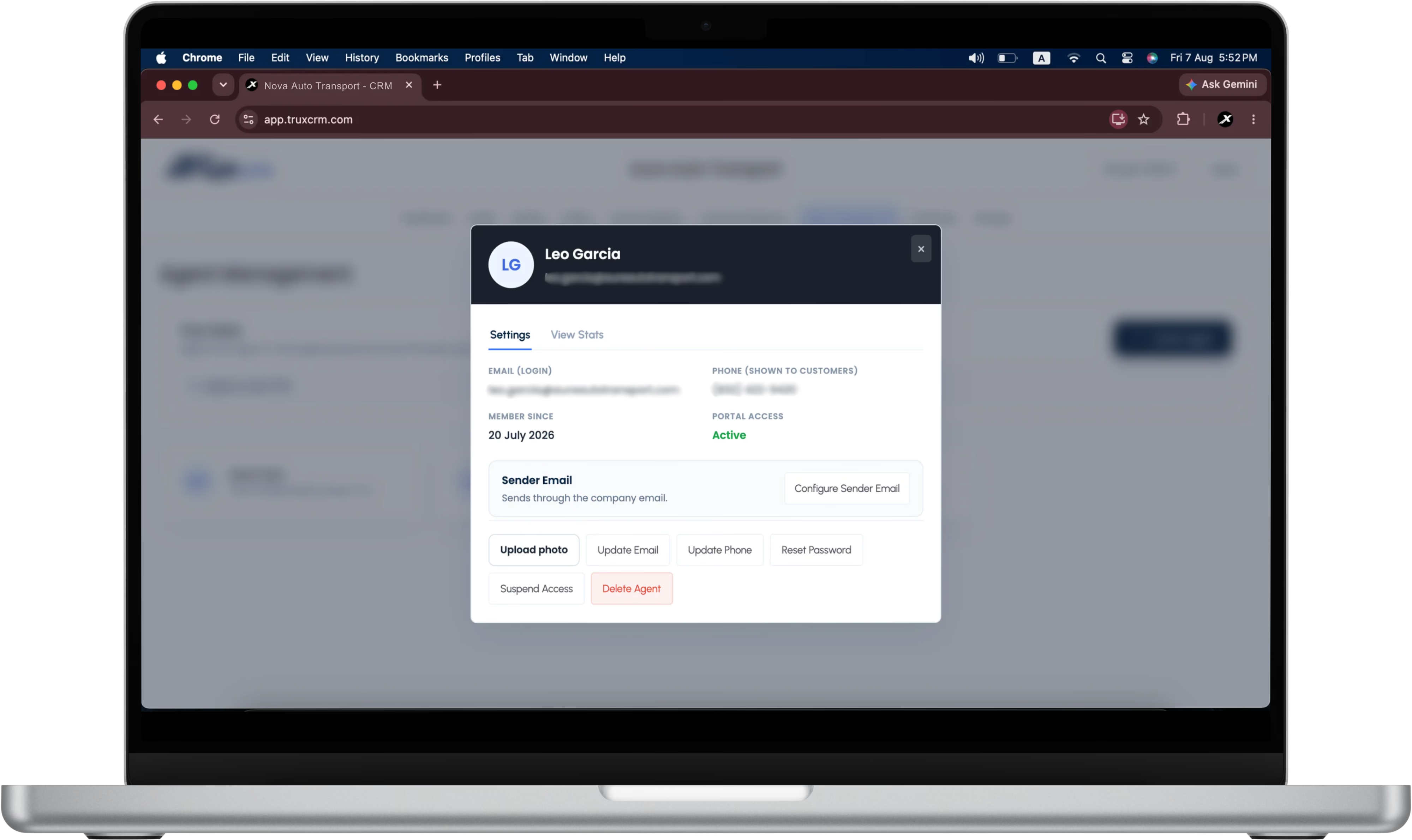
Company admin and agent are distinct roles. Admins manage the team, the settings, and company-wide data; agents sign in to work only the leads, quotes, and orders assigned to them.
How admin-only lead import and export workPortal access can be suspended for an agent without deleting their history
Credentials are stored hashed, and passwords can be reset by an admin
Only admins can import leads or export the lead list to CSV
Sensitive admin actions stay out of reach for restricted users
Signed Paperwork Is Not a Public Link
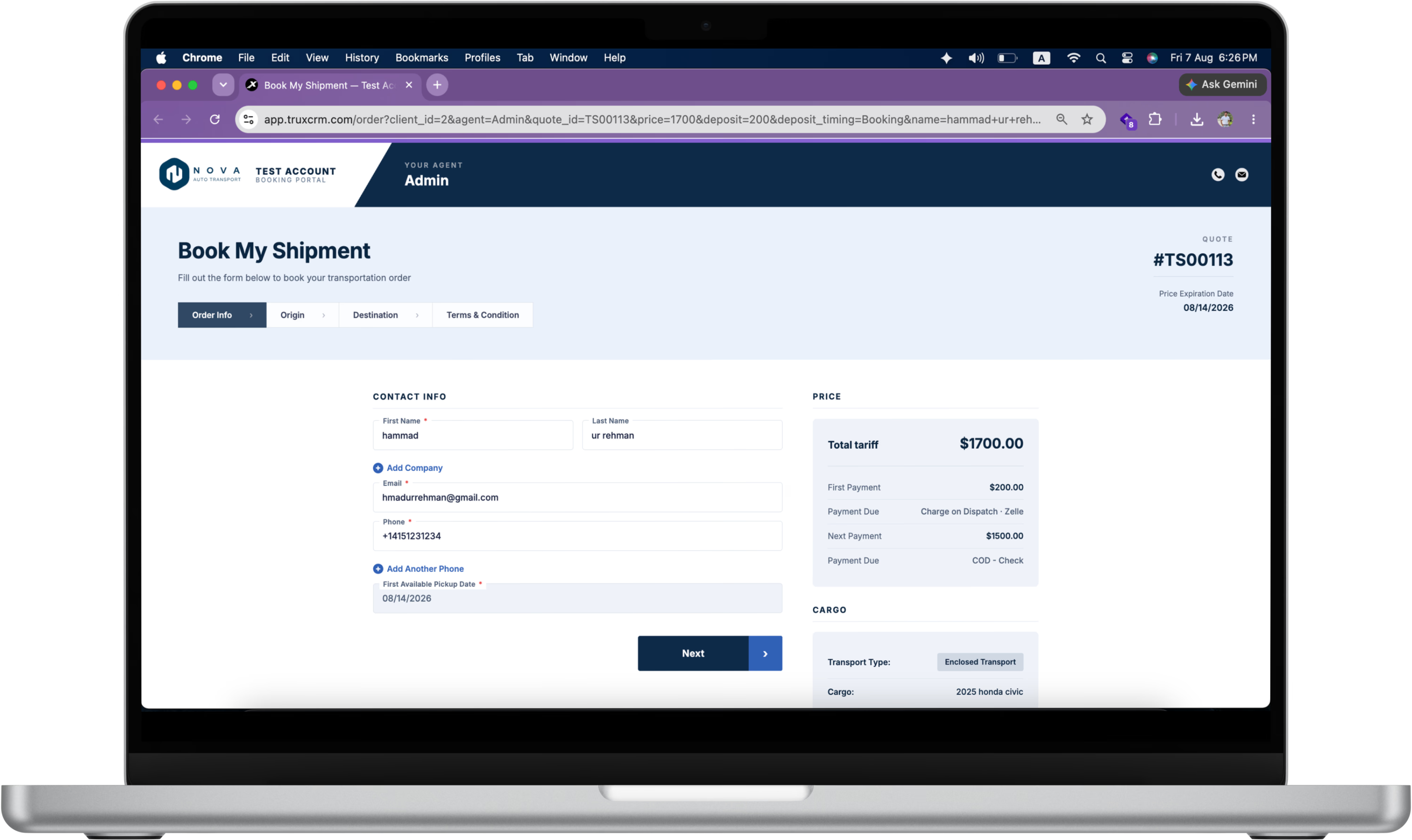
Signed orders, generated invoices, uploaded images, and carrier insurance certificates are handled as private operational documents belonging to one brokerage.
What to check on a carrier's insurance before you file itInsurance certificates and signed orders stay attached to their record
Documents are served through the same access checks as the data
Invoices are generated fresh rather than left lying about as files
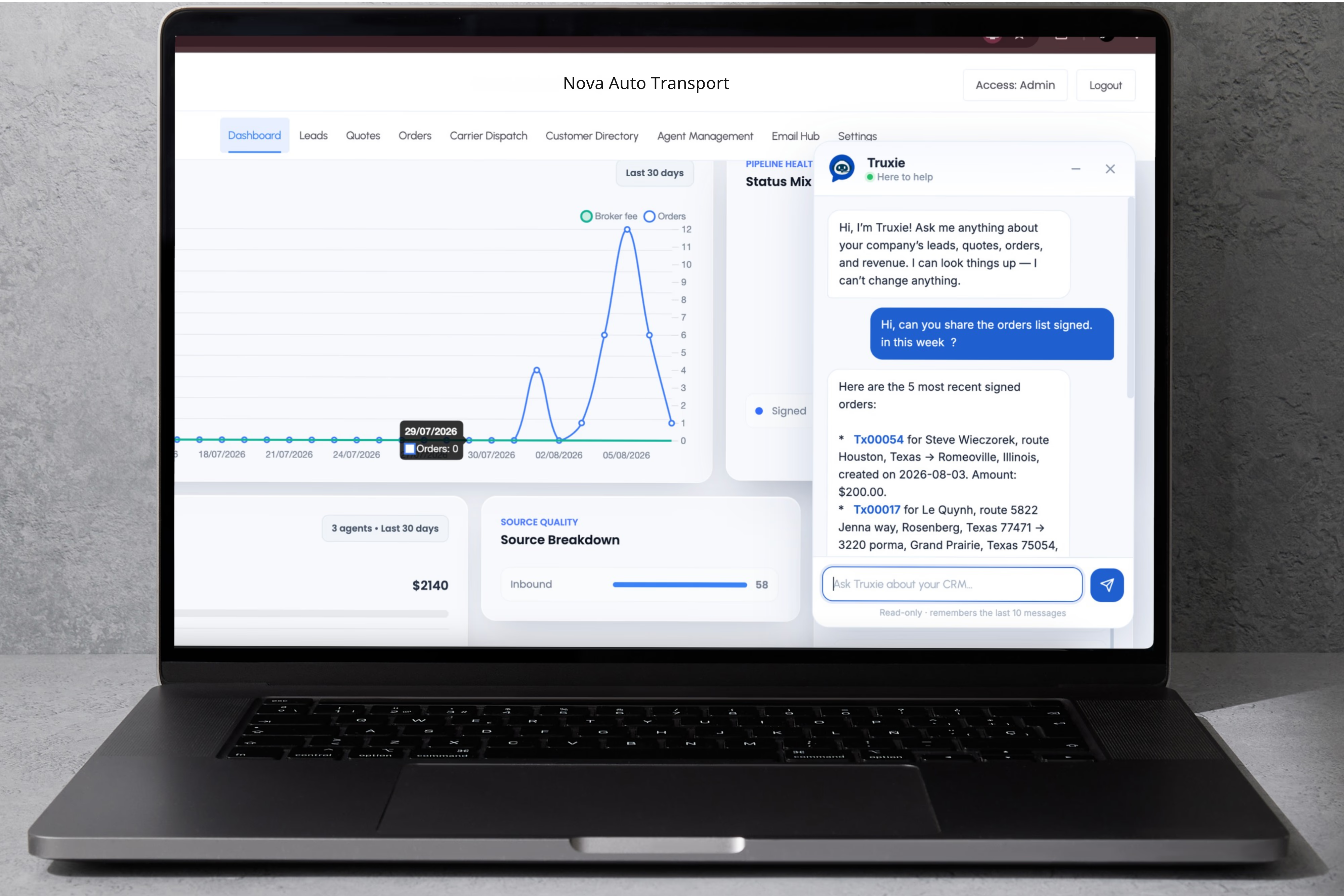
Truxie Can Read. It Cannot Change Anything.
The assistant answers questions about orders, schedules, drivers, balances, quote activity, and delivery detail from your own brokerage data. It is read-only by design.
No creating, updating, dispatching, invoicing, or deleting records
Answers are scoped to the same company as the signed-in user
Questions are answered from your data, not from a shared pool
Under the hood
The Controls Behind It
If your IT team wants the specifics rather than the summary, this is what is running.
HTTPS / TLS
All TruxCRM traffic runs over HTTPS. Logins, customer details, and contracts are encrypted in transit, always.
Helmet and CSP
A content security policy defends against cross-site scripting, where an attacker tries to sneak their code into a page. The browser refuses to run anything that is not on the approved list.
CORS allowlist
Only TruxCRM's own official web addresses can talk to its backend. A random malicious site cannot.
Rate limiting
The login page and the API are throttled, which protects them from abuse, automated attacks, and denial-of-service floods.
Encryption at rest
When a broker saves their own email password in settings, TruxCRM encrypts it before storing it and unscrambles it only for the moment it sends mail. It is never stored or shown in readable form.
HMAC-signed links
Links that matter, such as order signing and password resets, are signed, time-limited, and single-use. A customer cannot tamper with a link to reach someone else's order.
Separate database keys
The privileged service key stays on the server. The browser only ever receives the public key, so nothing in the page can be used to read data the session is not entitled to.
Tenant isolation
Company identity is resolved from the authenticated session, then every read and write is filtered through it before data leaves the server.
Audit log
Sensitive actions are recorded, so an owner can see what was done on their account and when.
Security review
Questions From Your IT Team?
We can walk owners or IT teams through user roles, document handling, AI access, email authentication, and company isolation during a demo. For the email side, the domain authentication guide covers SPF, DKIM and DMARC for each major host.
Book a Security Walkthrough