
All-in-One Auto Transport
CRM Software
 Nova Auto Transport
 GenX Auto Transport LLC
 RouteX Auto Transport LLC
 Freedom 35 Auto TransportNova Auto TransportGenX Auto Transport LLCRouteX Auto Transport LLCFreedom 35 Auto Transport
One Record From First Lead to Final Delivery
- 01 / 10Lead capturedA customer requests a quote on your website form
- 02 / 10Assigned to an agentThe lead lands in TruxCRM and routes to the right agent
- 03 / 10Quote sentVehicle, route, carrier pay and broker fee in one quote
- 04 / 10Order e-signedThe customer signs on their phone and the order returns to the CRM
- 05 / 10Carrier dispatchedThe load goes to a verified, insured carrier
- 06 / 10Picked upThe carrier loads the vehicle at pickup
- 07 / 10In transitLive status on the same order record
- 08 / 10DeliveredThe vehicle arrives at the customer’s door
- 09 / 10Invoiced & reconciledPayment in, carrier paid, balance $0.00
- 10 / 10From lead to deliveredOne record for every handoff
Built for Brokers Who Move Vehicles
A CRM for auto transport has to follow the car, not just the sale. TruxCRM keeps the people, documents, messages, and money behind every shipment on one record.
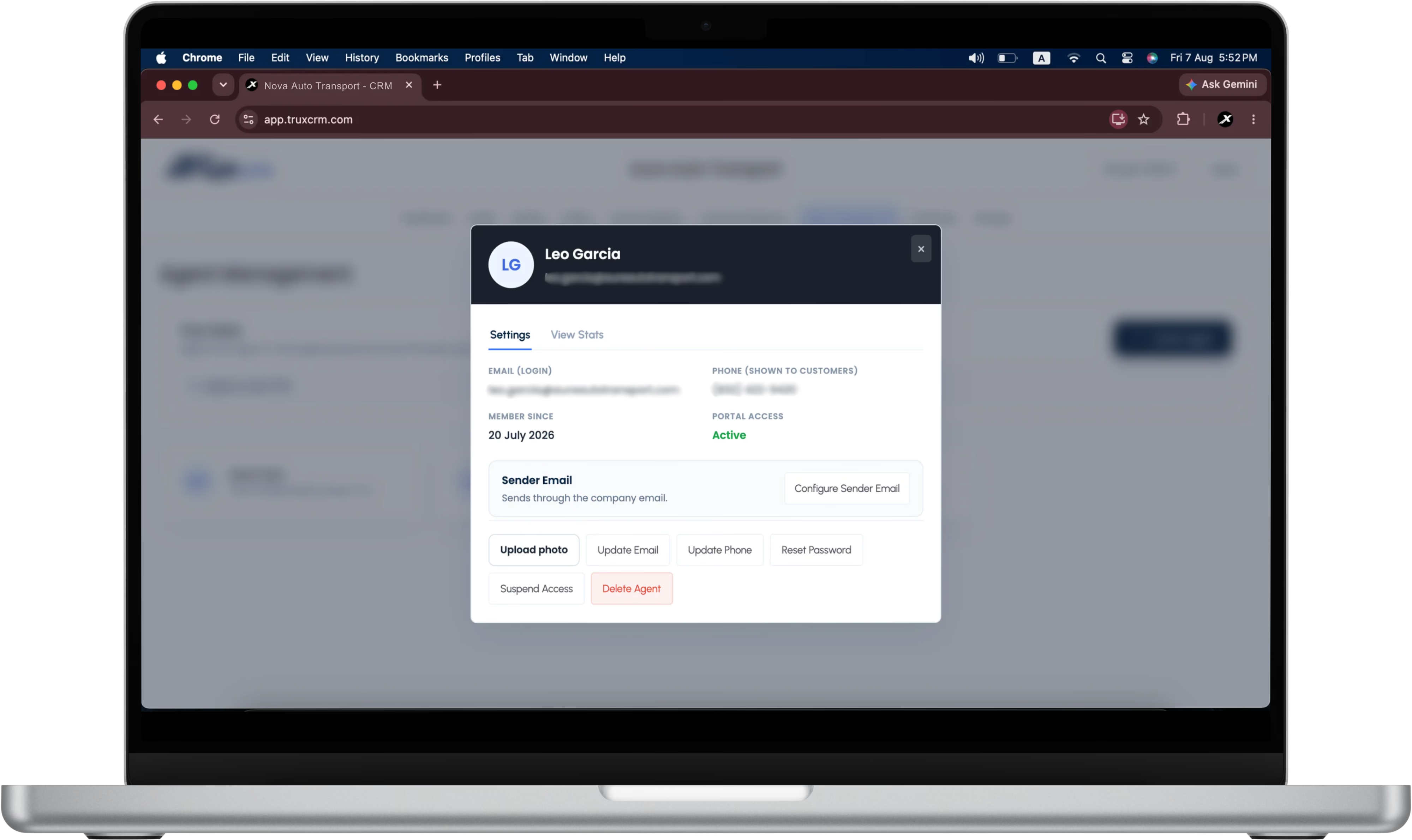
Agent Management & Performance
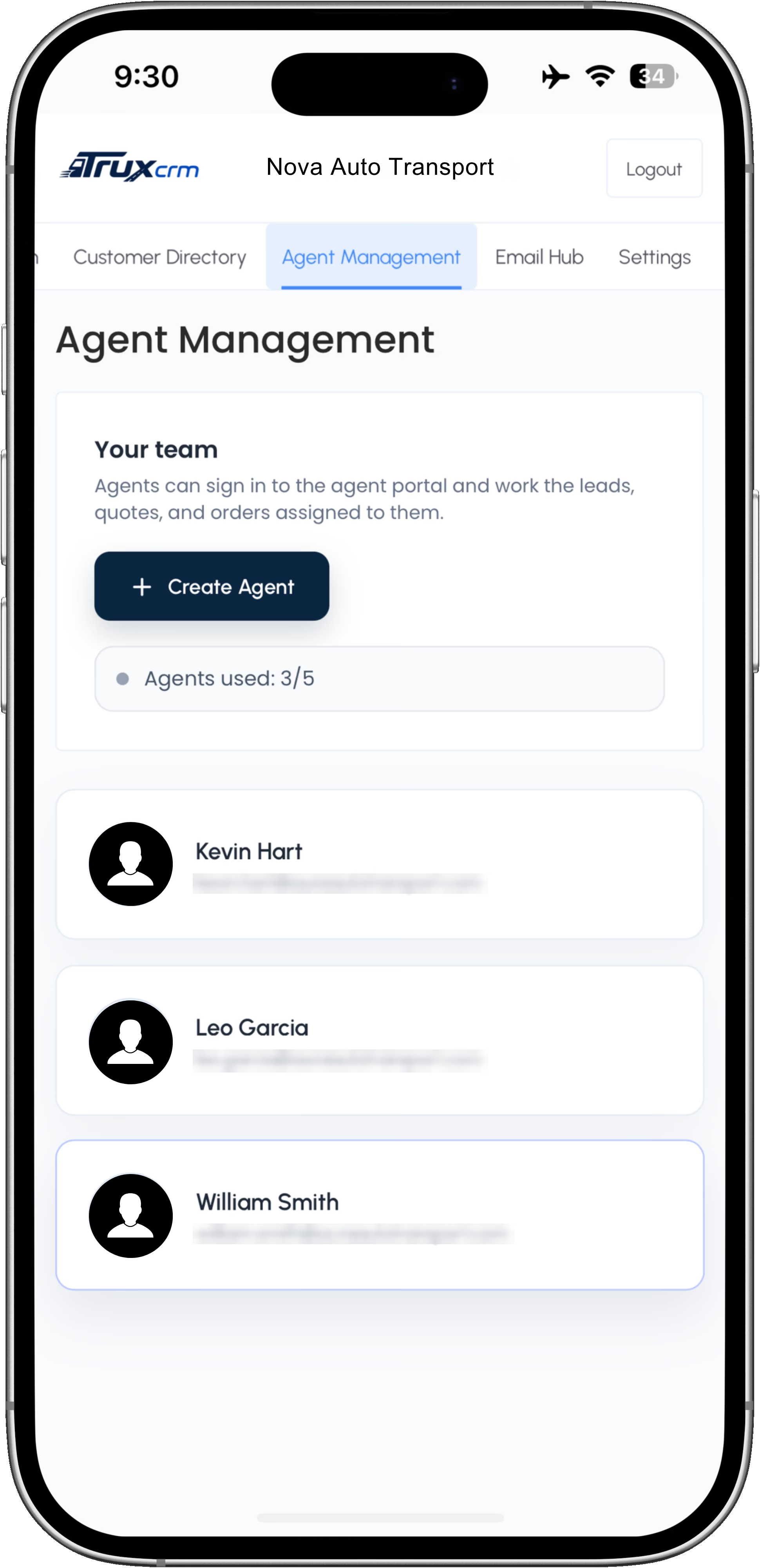
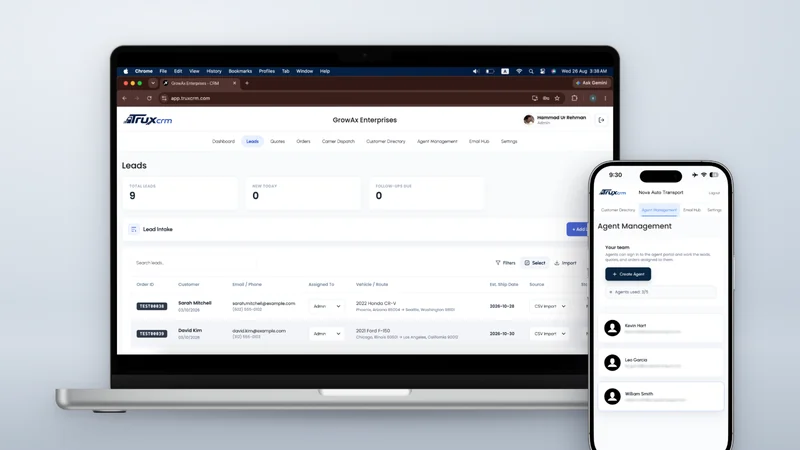
Company admin and agent access. Agents sign in to their own portal and work only the leads, quotes, and orders assigned to them.
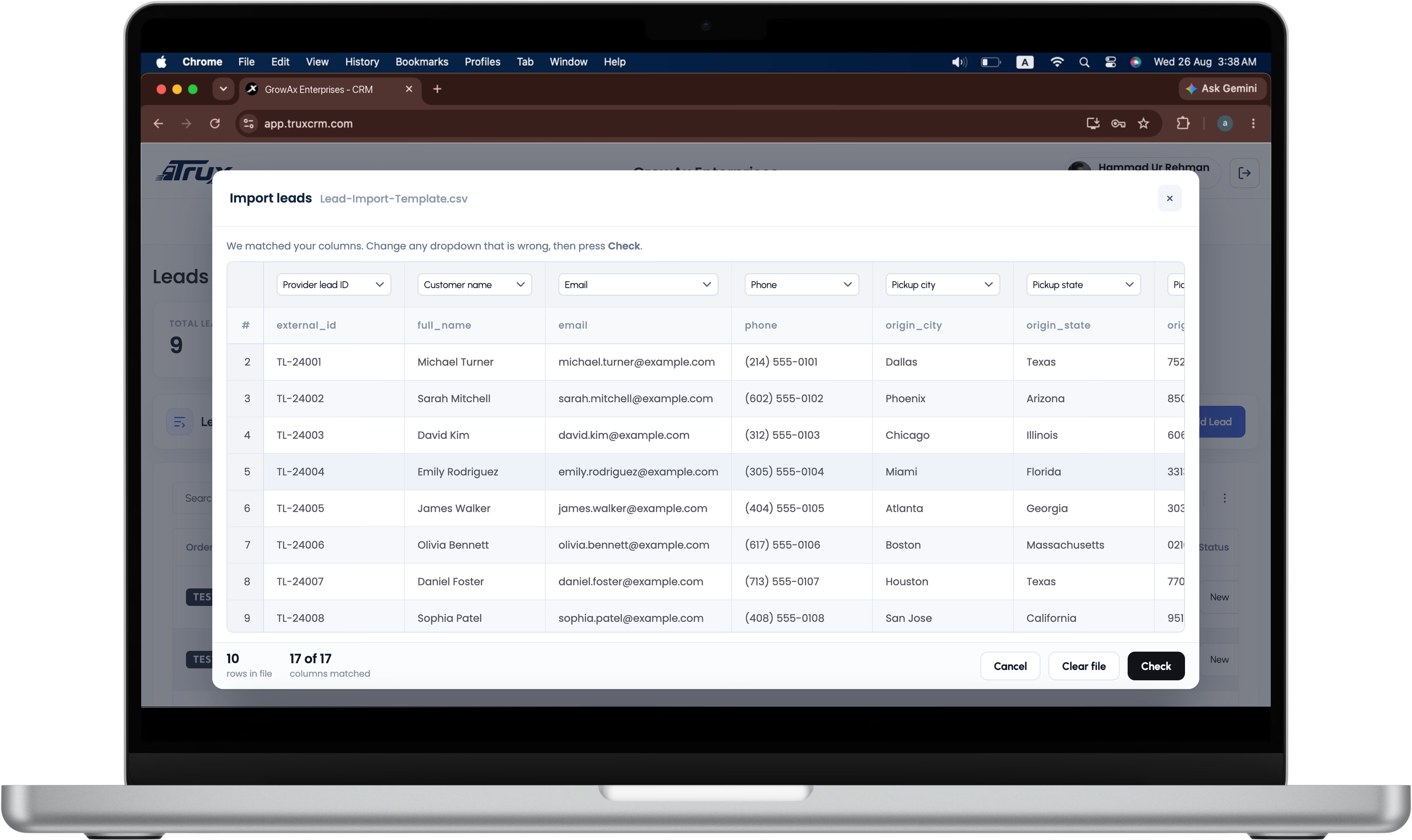
Bulk and even lead assignment, CSV lead import and export for admins, source tracking, agent mailboxes, seat limits, and per-agent quote and order activity.
eDocs & Electronic Signatures
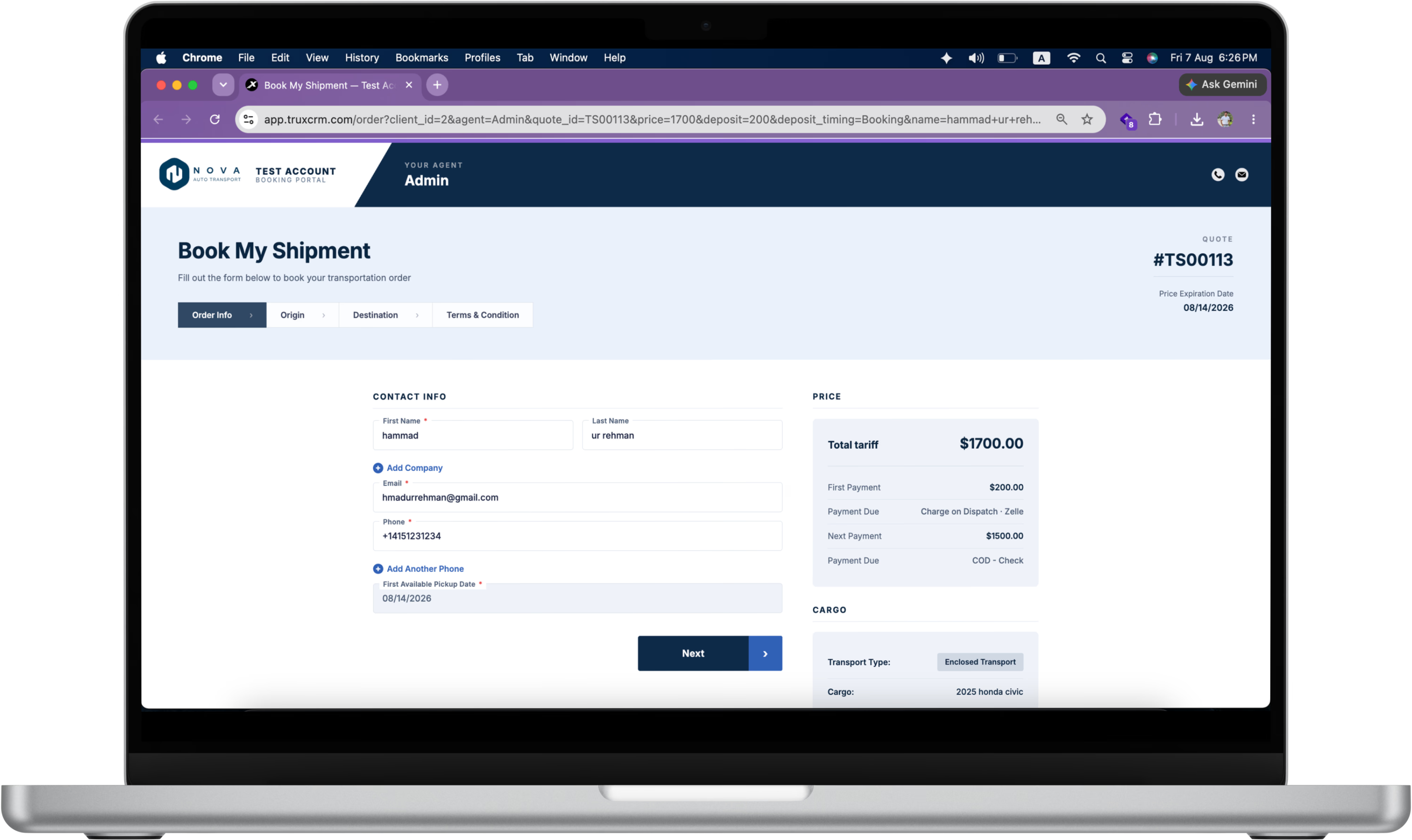
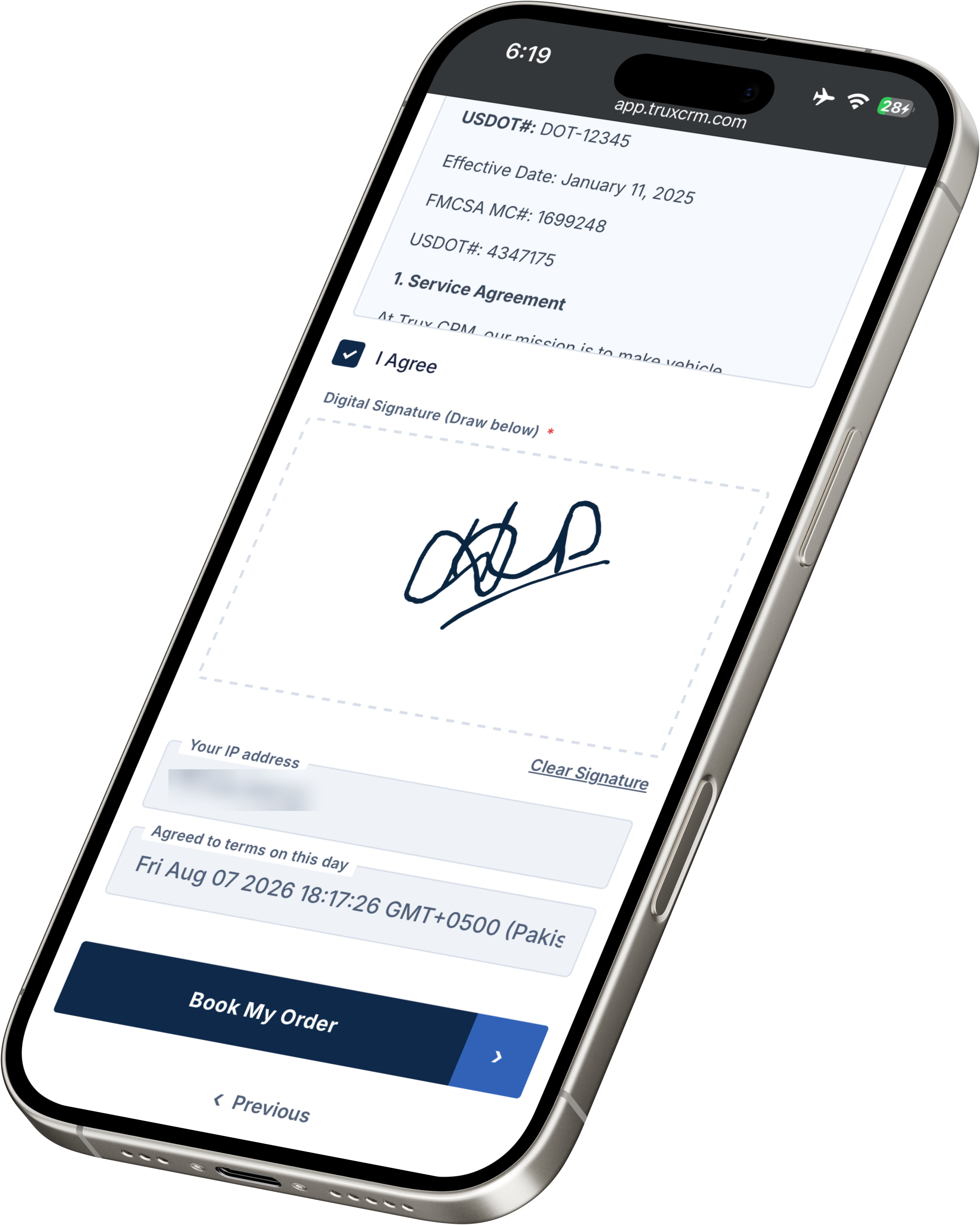
Send the customer an order to review and sign on their phone. Once it is signed, the same record carries dispatch, delivery, and payment.
Branded mobile signing page, signature history, order status, first available pickup, and dispatch without signature when you need it.
Dashboard & Brokerage Reporting
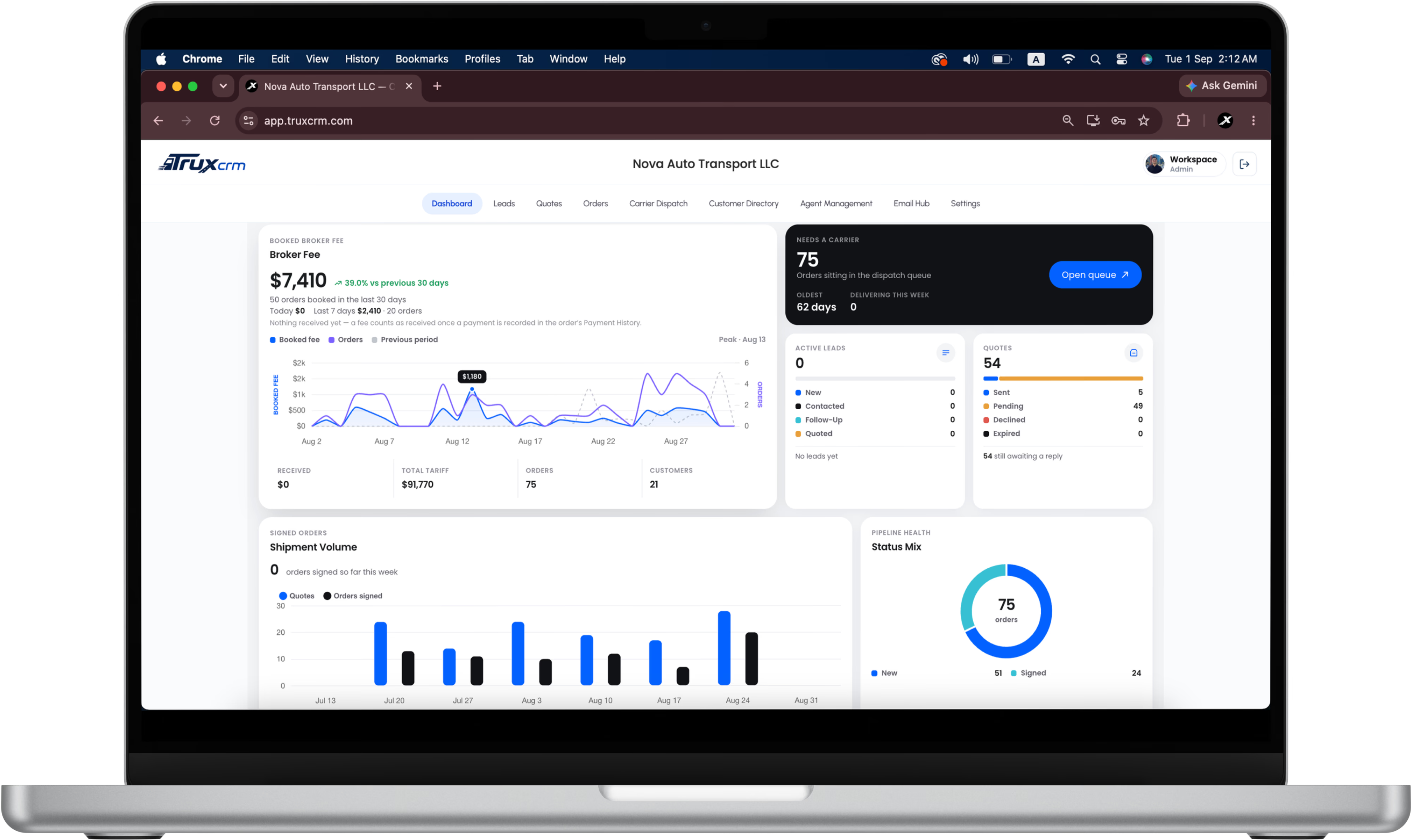
One brokerage dashboard for active leads, quotes ready to send, and the dispatch queue, without rebuilding it in a spreadsheet each month.
Broker fee, carrier pay, payment received, and balance due tracked per order and per agent.
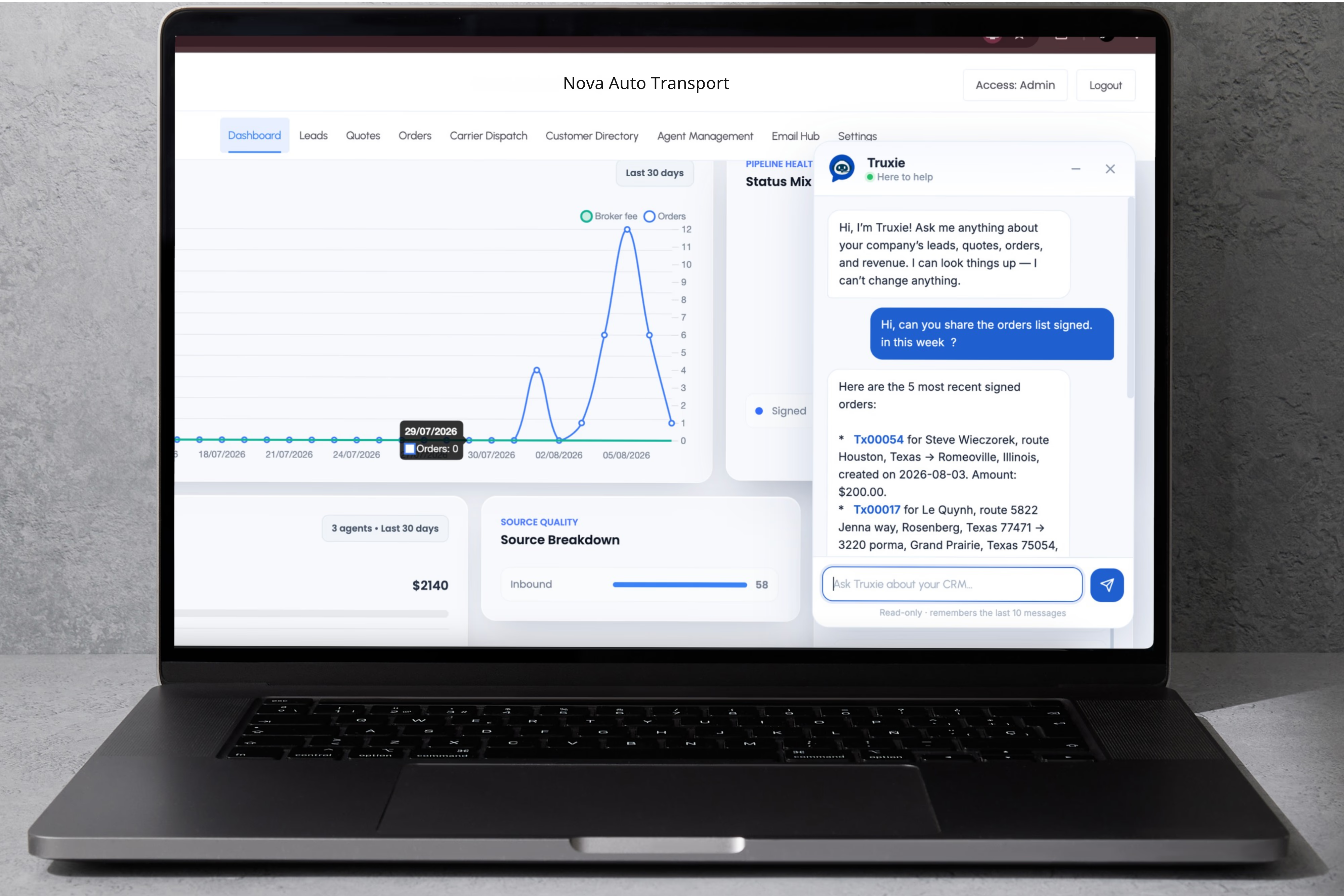
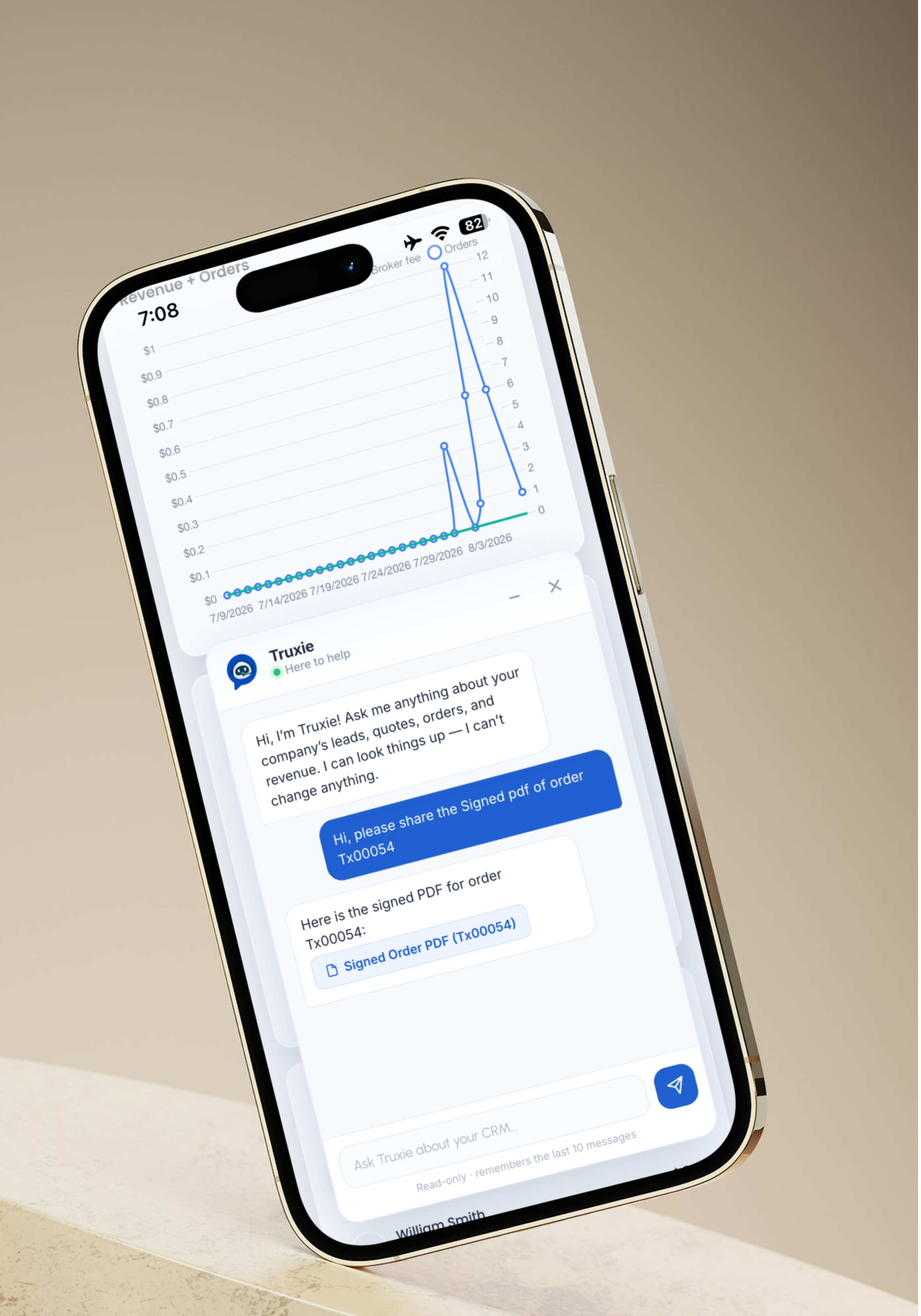
Truxie AI Assistance
Ask operations questions in plain English. Truxie looks up orders, schedules, customer records, drivers, balances, and delivery detail.
Read-only by design, so it answers without changing a record.
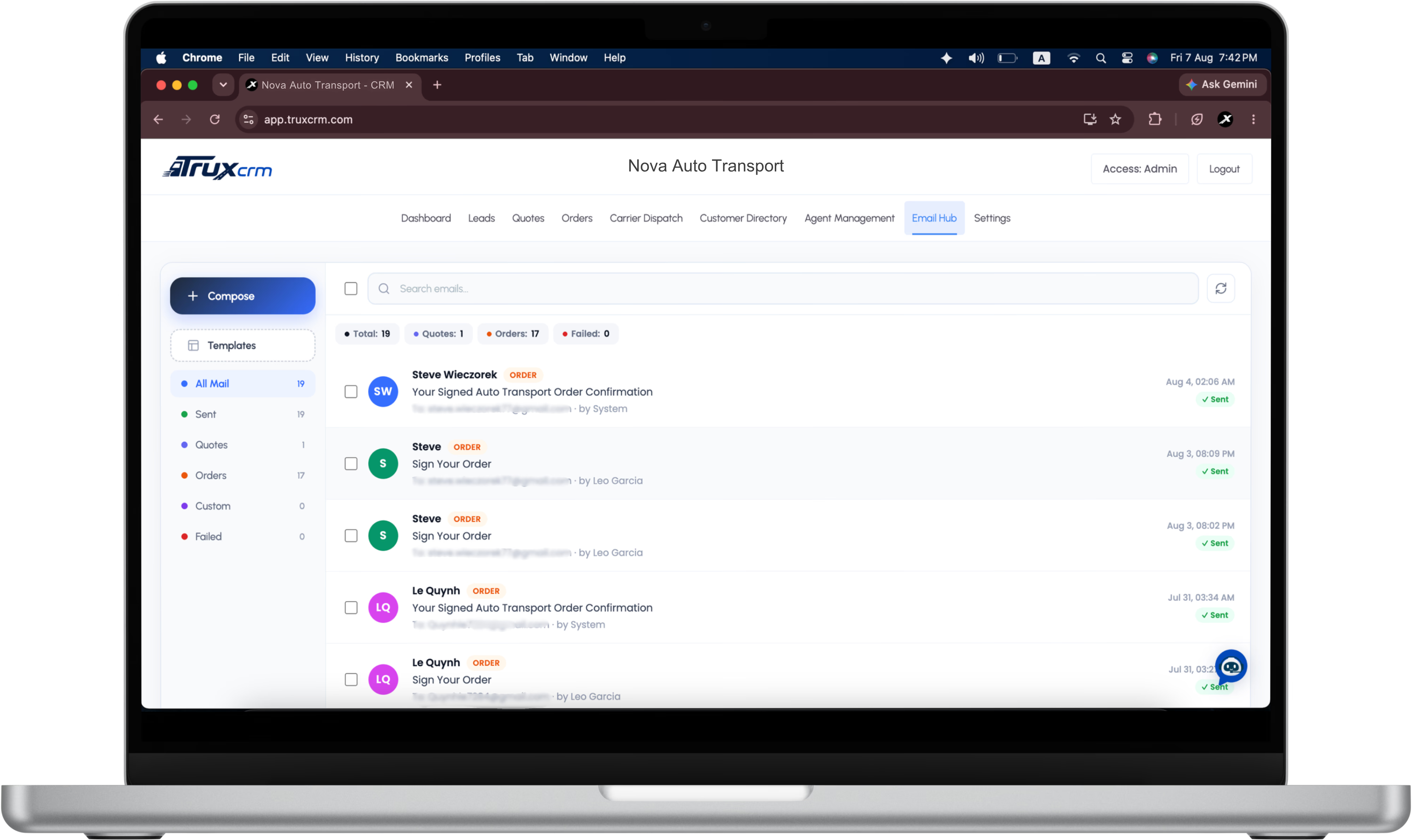
Email Hub & Follow-ups
Send from agent mailboxes or a company fallback on your own branded domain, so customer and carrier replies land back on the order.
Branded domain setup, on-demand messages from the record, and Web Push for signed or assigned orders.
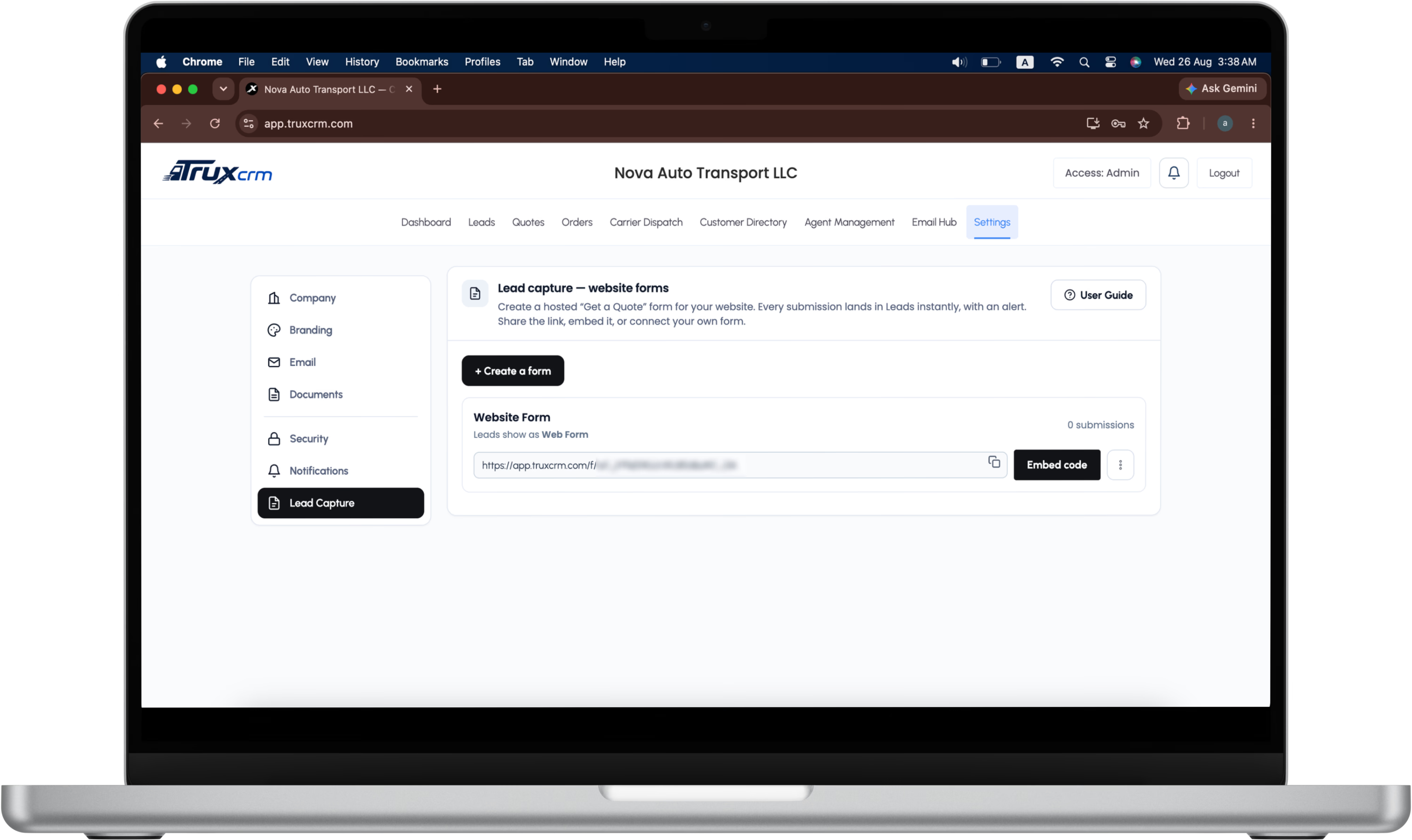
Lead Capture, Provider API & CSV Import
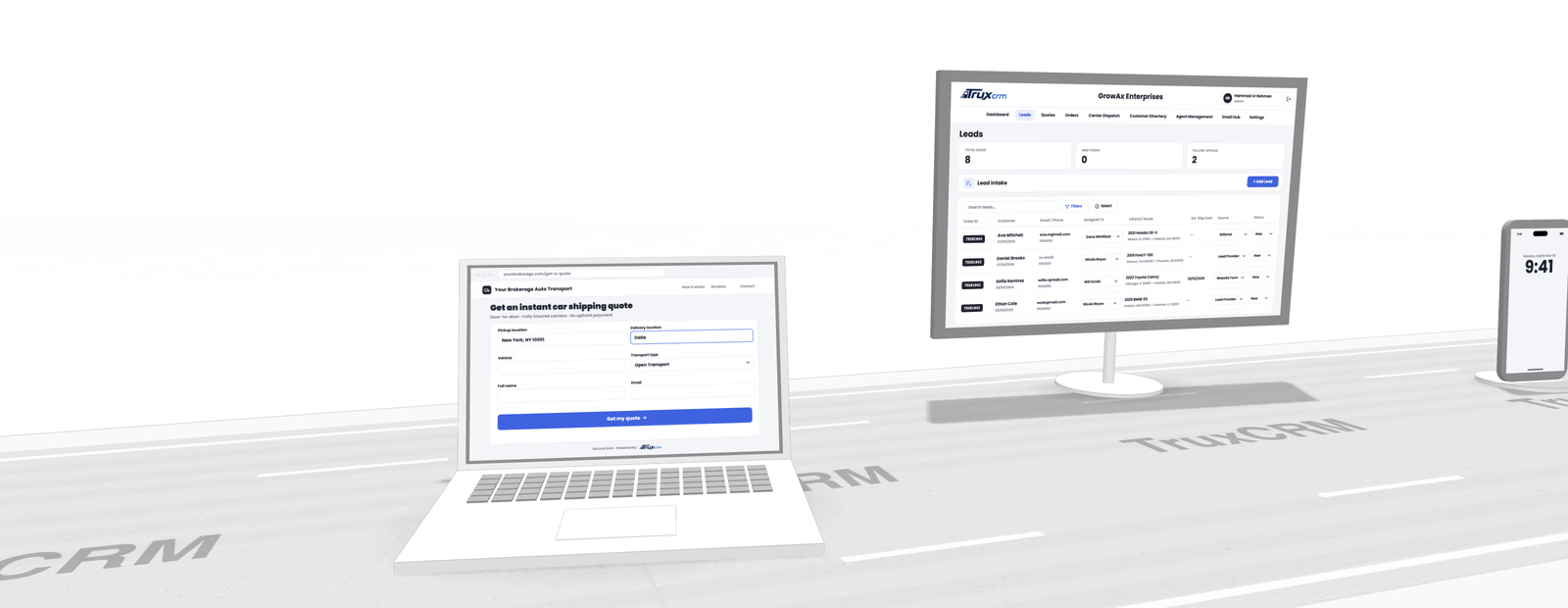
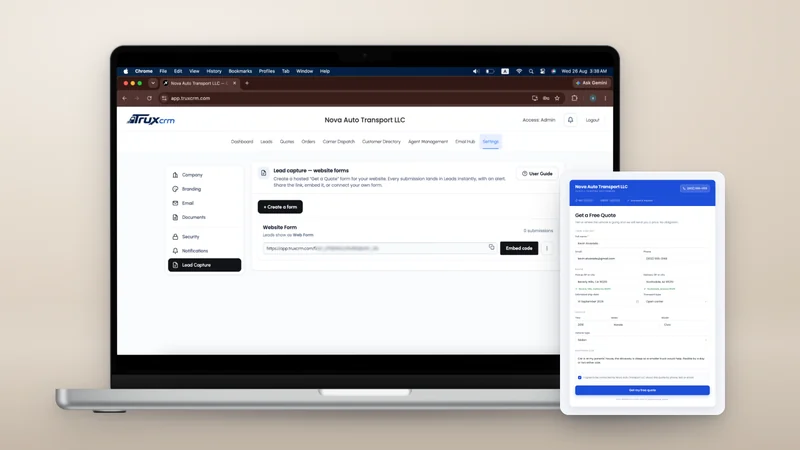
Leads arrive three ways: a branded quote form on your own website, an API key for each lead provider you buy from, and a CSV import for the lists you already hold. All of them land in one Leads list, tagged with where they came from.
ZIP codes resolved into routes and duplicates caught on every channel. Website leads alert your team, provider leads queue quietly, and admins assign imported leads in bulk or split them evenly across agents.
Website formsLead provider APICSV import


One path from inbound lead to paid carrier
What Brokers Say After Switching to TruxCRM

Pipeline, agent activity, and outstanding balances sit on one dashboard. I stopped rebuilding the same spreadsheet every Monday morning.

Carrier, driver, insurance, pickup window, and pay all live on the order. Dispatching is reading one screen instead of chasing four.

Truxie answers the questions I used to dig for: what shipped last week, which invoices are still open. It only reads our own data, so the number it gives me is the number.

The speed is the part I did not expect. Screens open the moment I click and nothing loads twice, which adds up over forty quotes a day.

Every email, document, and task stays attached to the shipment. When a customer calls about a car we moved three weeks ago, the history is already there.
The Full Shipment Story, Without Tool Sprawl


One Plan, Priced Around Your Brokerage
- Central Dispatch search and posting
- Leads, customers, and sources
- Quotes with broker fee and carrier pay
- Customer e-signature on orders
- Carrier dispatch, drivers, and insurance
- Invoices, payments, and balances
- Agent roles and permissions
- Dashboard and brokerage reporting
- Branded domain email

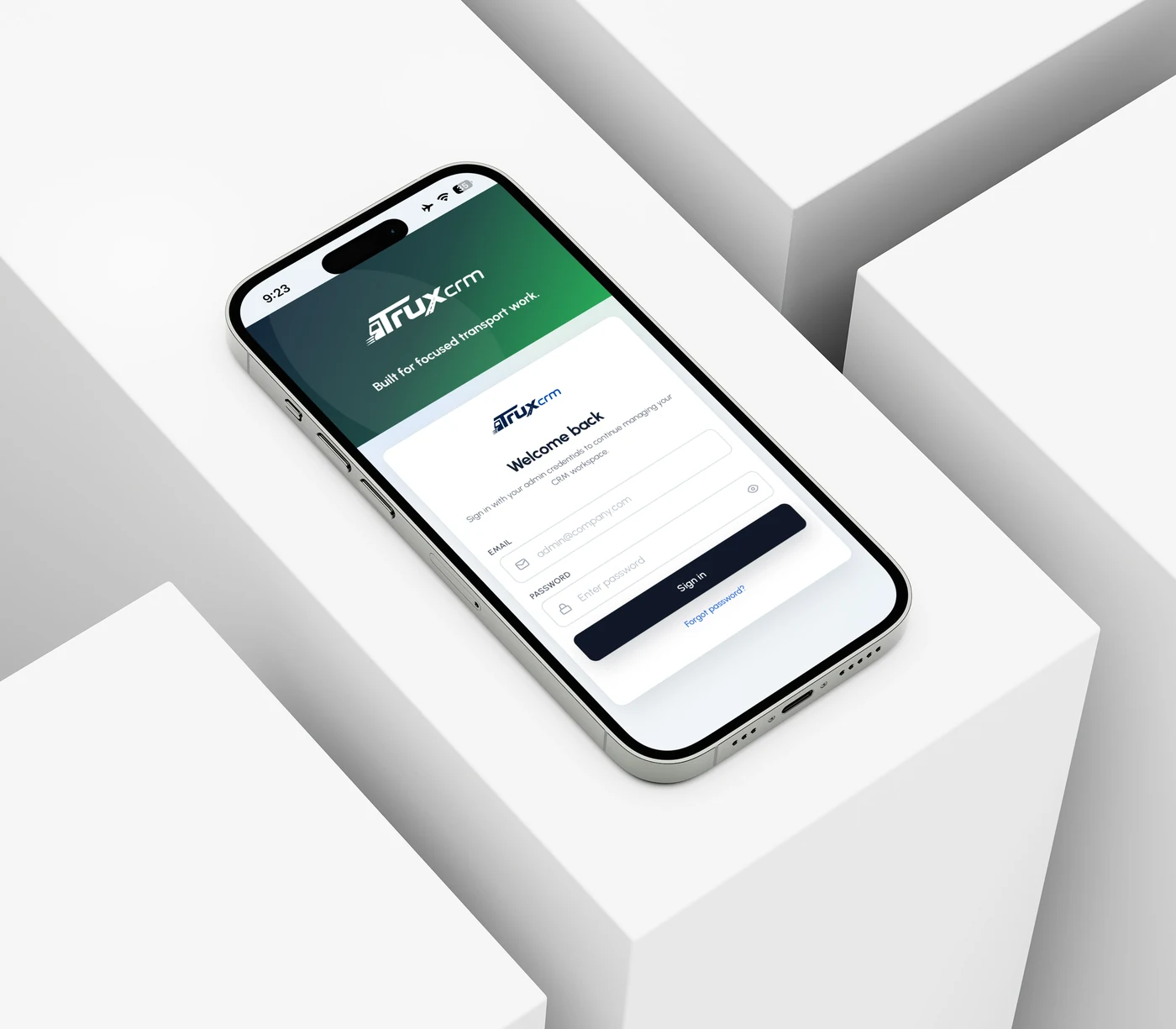
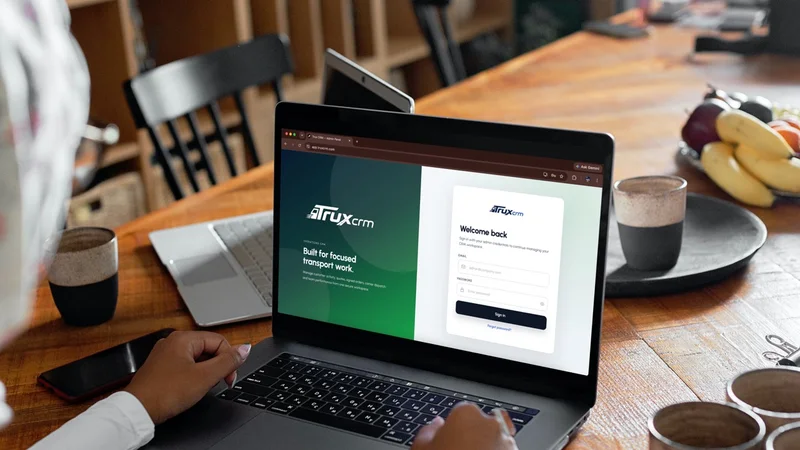
Runs on a Phone. Reaches the Inbox.
Questions Before Your Demo


What is the best auto transport CRM?

TruxCRM is the best auto transport CRM for brokers who want the whole operation in one system: leads from every source, quotes, follow-ups, e-signed orders, Central Dispatch posting, invoices and payment records. It is built only for auto transport and car shipping brokers, so the lead, the order, the carrier and the money stay on one record instead of being spread across a sales CRM, a spreadsheet and an inbox. We compared it with eight other broker CRMs, prices linked to their sources, in our auto transport CRM comparison.
Which CRM supports Central Dispatch workflows?
TruxCRM is an official Central Dispatch partner. Brokers connect their own Central Dispatch account, then search Central Dispatch and post loads from the order inside TruxCRM, and keep the carrier, driver, insurance and dispatch record on the same shipment. The Central Dispatch subscription itself is paid to Central Dispatch. The posting window is shown on the Central Dispatch integration page.
Which auto transport CRM supports multiple lead sources?
TruxCRM takes leads from three kinds of source into one Leads list: branded quote forms on your website, a separate API key for each lead provider you buy from, and CSV import for lists you already hold. Each lead is tagged with where it came from and checked for duplicates, and admins can assign leads in bulk or split them evenly across agents. Providers can read the lead provider API documentation.
Does TruxCRM include invoices, payment records, route mapping and VIN import?
Yes, all four. Invoices are created and emailed from the order, and every payment is recorded against it, so each shipment and customer has a payment history. Quotes and orders show a route map of pickup and delivery, and VIN import fills in the vehicle details on the record.
Which auto transport CRM has advanced search filters?
TruxCRM has search and filters on its leads, quotes and orders, so an agent can narrow a long list to the records they need and find a customer or a shipment in seconds. Admins can export a filtered lead list to CSV, and Truxie AI answers plain-English questions about your records without changing them.
Can we move our leads from another CRM?
Yes. Export them as a CSV file and an admin imports it under Leads. TruxCRM matches common column headings, checks every row and shows you the result before anything saves, and skips leads you already hold. Then give the imported leads to one agent or split them evenly across the team. The columns it reads are on the lead import page.
How do follow-ups work in TruxCRM?
Your agents send them, when they choose. A custom email goes out from the customer's record in a couple of clicks, from your own domain, and every message is logged against the customer and the shipment, so the whole conversation stays with the record.
Can TruxCRM send email from our own domain?
Yes. Quotes, order forms and invoices go out from your company address through Google Workspace, Microsoft 365 or your own SMTP server. A guided setup adds the SPF, DKIM and DMARC records and a checker confirms them, so your quotes reach the inbox rather than spam. The steps for each email host are in the email setup guide.
How is brokerage access controlled?
Every record belongs to one company, and access is checked on the server, not only on screen. Company admins manage the team, the settings and company-wide data. Agents work only the leads, quotes and orders assigned to them, and only admins can import leads or export the lead list.
Is setup assistance available?
Yes. We go through setup, branding, email configuration and moving your existing leads with your team, so you are not left to work it out from a help centre.
How much does TruxCRM cost?
$120 to $150 per month for a brokerage of up to 5 agents, then $20 per month for each additional agent. Every feature is in that one plan. The optional Truxie AI assistant is what moves a brokerage from the bottom of the range to the top. The worked example is on the pricing page.
Which auto transport CRM offers the best value?
At five and at ten agents, TruxCRM had the lowest published price of the nine auto transport CRMs we compared in September 2026, with every feature included: $120 to $150 a month at five agents, against $174 to $894 for the others that publish a price. Price is only half of value, so the comparison also sets out what each one includes. For the rest of the software bill, see what auto transport broker software costs.
What is the best CRM for small and medium-sized auto transport brokerages?
For most small and medium-sized brokerages, TruxCRM. The base price covers up to 5 agents, so an independent broker or a small team gets the full platform without paying per seat, and a growing team adds agents at $20 a month each with nothing to upgrade. The same plan runs larger multi-agent operations.
Are there tiers or add-ons?
No. One plan covers multi-source lead management, Central Dispatch search and posting, quoting, email follow-ups, e-signature, dispatch, invoicing and payment records, tasks and documents, advanced search filters, and branded domain email. There is no fee per lead or per signed order.
What happens during the demo?
We walk through your own lead, quote, order, dispatch and payment workflow rather than a generic slide deck, answer the questions specific to your brokerage, and confirm your exact monthly price. The demo is free. Pick a time on the demo page.


Written for Auto Transport Brokers
 ComparisonBest auto transport CRM software for brokeragesNine platforms brokerages actually shortlist, who each one is built for, and what two, five and ten agents really cost on each, with every price linked to its source.
 Speed to leadHow fast should you call back an auto transport lead?The five-minute rule, checked against the two studies it comes from, and what fast means when 40 bought leads land at seven in the morning.
 Sales teamHow to split leads between agentsEvery growing brokerage has this argument. Why an even split needs one more rule to be fair, and when the best closers should get more.
Not a generic CRM with a transport label. Built around the way vehicles actually move.
Tell us about your brokerage
Send a few details and we will follow up to walk through your real workflow.