Feature catalog

Every Broker Workflow in One Platform

TruxCRM is not a generic CRM with a transport label. It is built around vehicle shipping: lead intake, quote pricing, customer signature, dispatch, carrier insurance, invoicing, payments, notifications, and reporting.
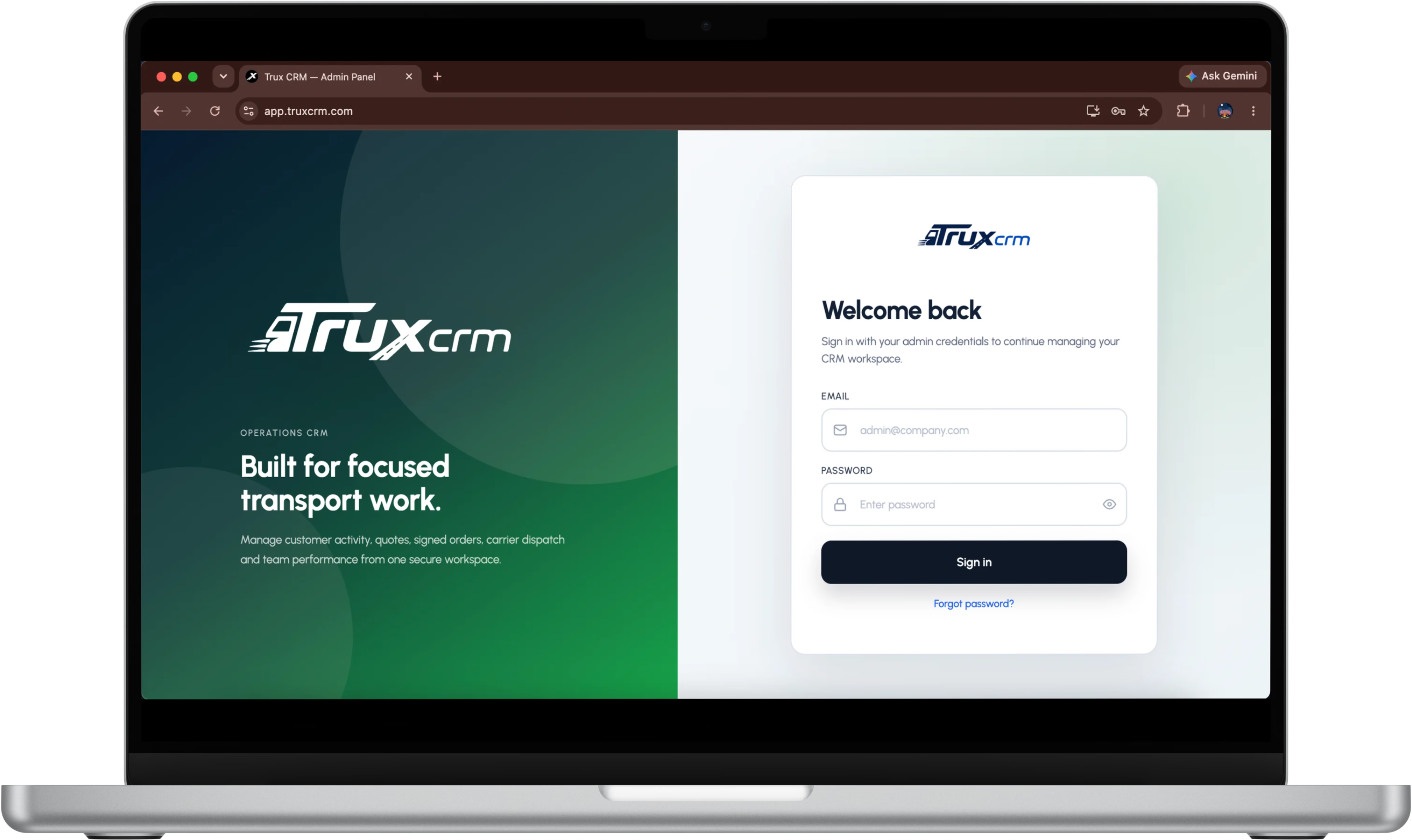
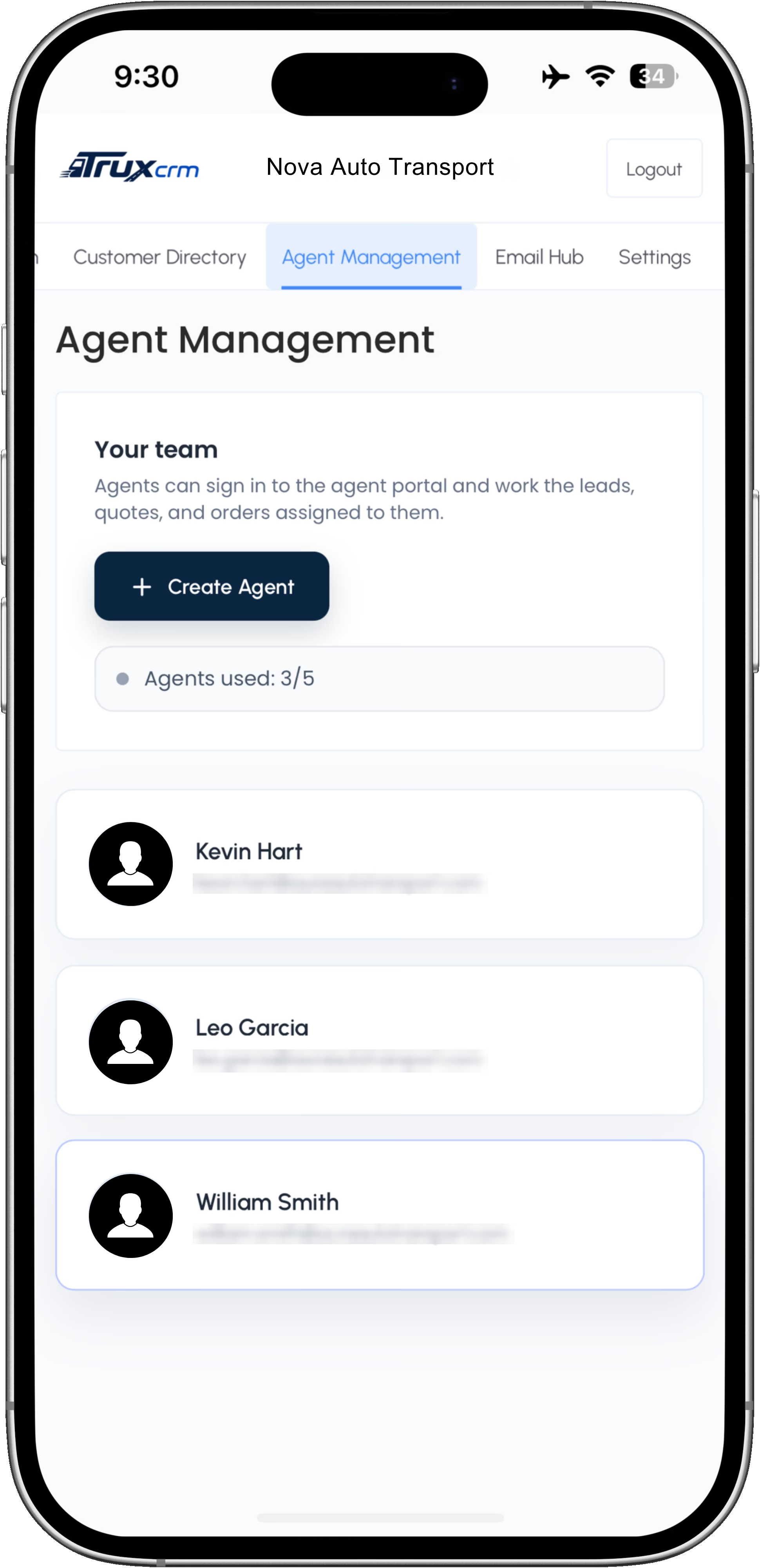
TruxCRM sign-in screen for a brokerage workspaceTruxCRM agent management on a phone
Every stage works from the same brokerage record, so nothing is re-typed between quoting, dispatch, and getting paid.
TruxCRM
Auto transport CRM
Leads and quotes
Customer, route, and vehicle context
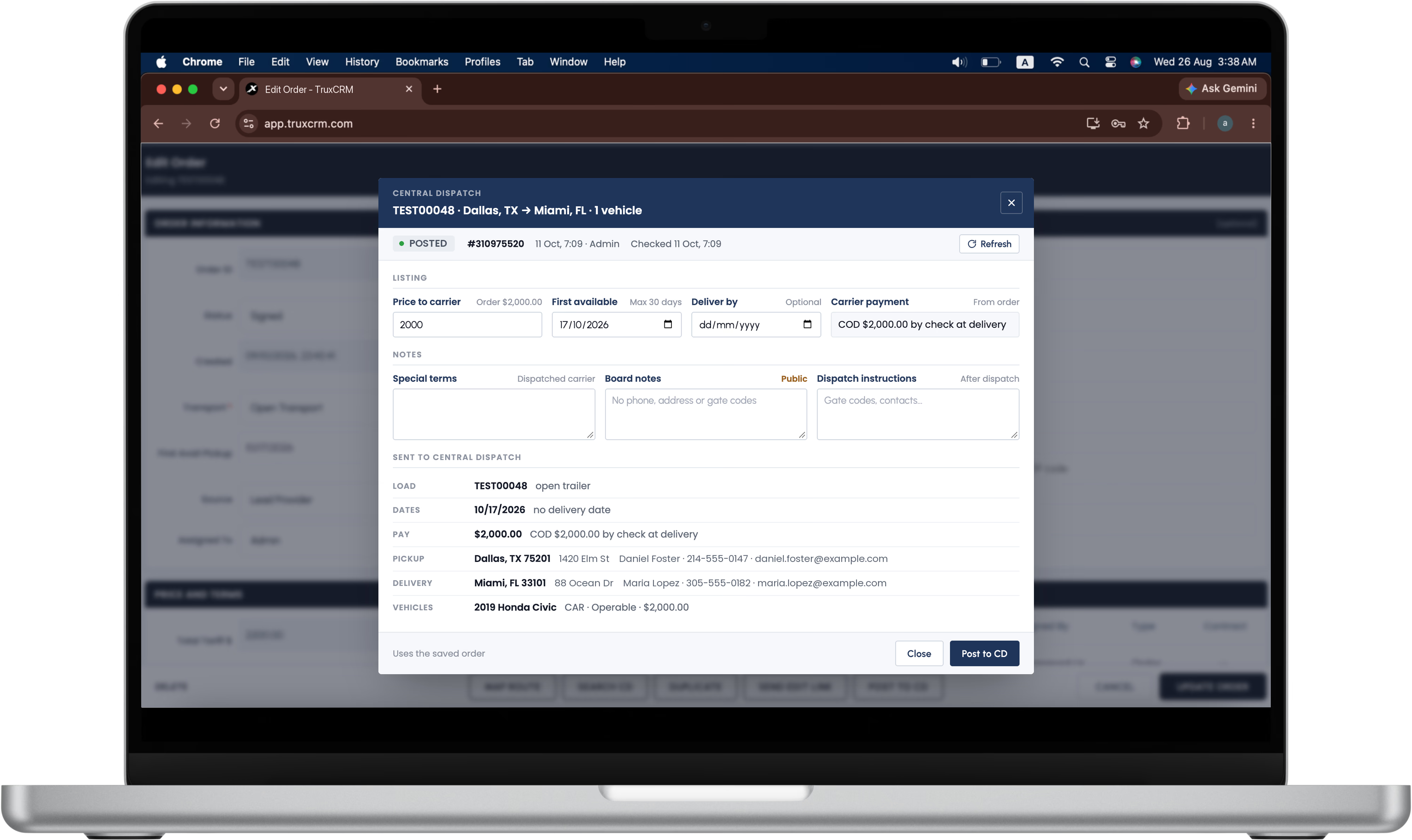
Carrier dispatch
Carrier, driver, insurance, and pay
Invoices and payments
Broker fee, balances, and carrier pay
Company-scoped access
Owner, admin, and agent roles
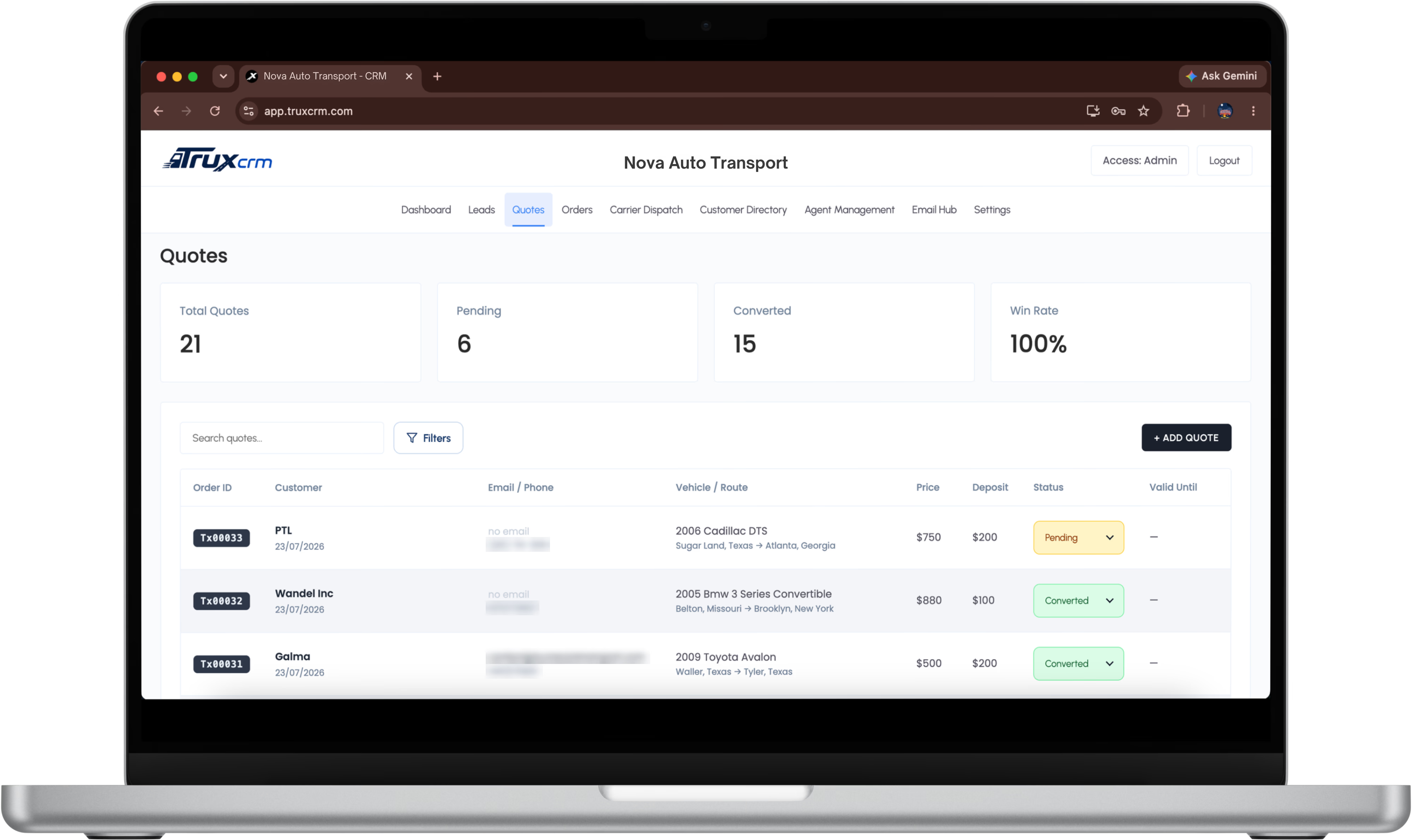
TruxCRM quote list showing total quotes, pending, converted, and win rate
Quotes

Price the Move Without Leaving the Record
A quote holds the pieces a vehicle shipping broker actually needs: origin, destination, shipment and transport type, vehicle details, carrier pay, broker fee, due-at terms, method, validity, and internal notes.
Book a Demo
Multiple vehicles on a single quote for real loads
Route map check before quoting a long-distance move
Preview the customer email, then save it back when sent
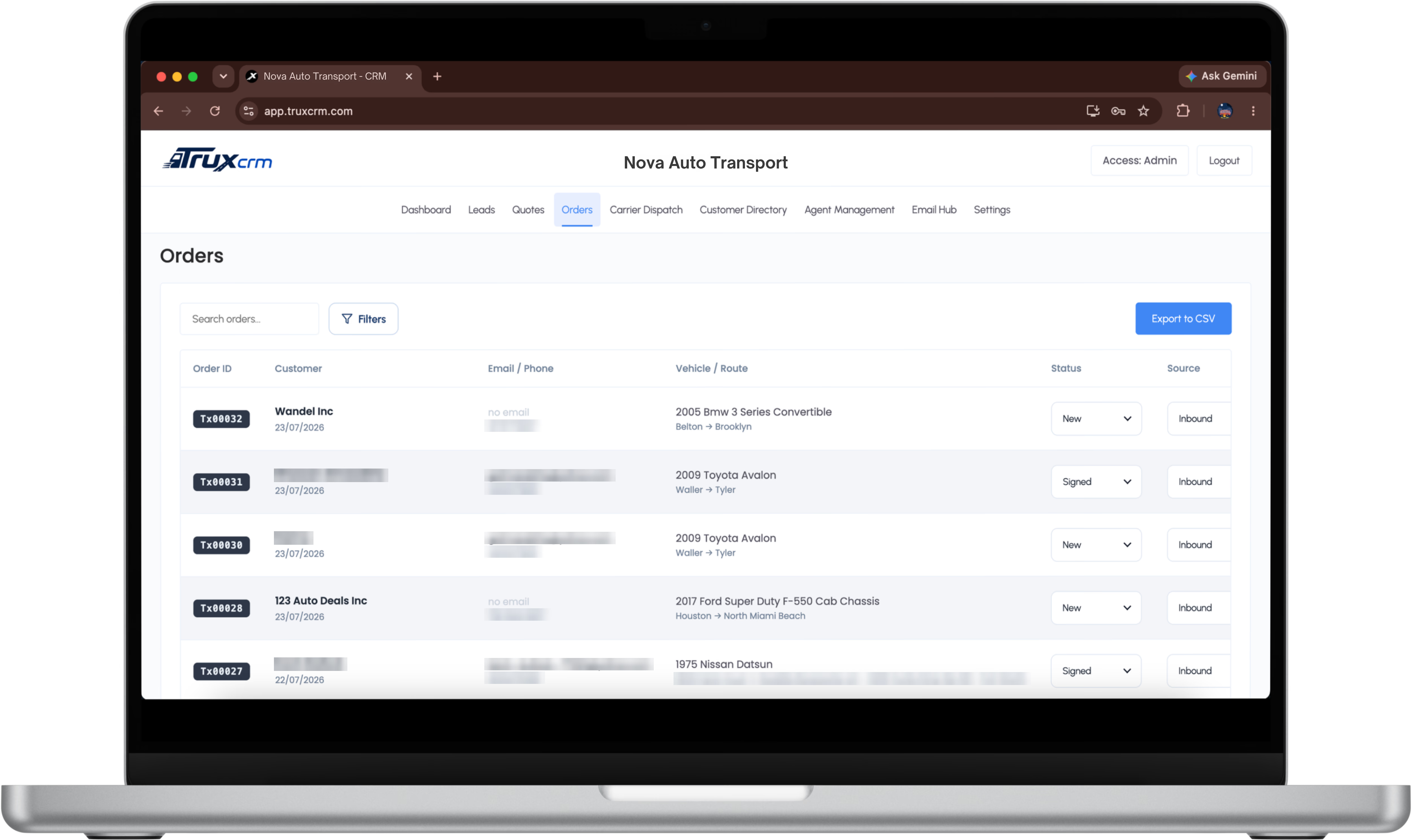
TruxCRM order pipeline listing customers, vehicles, routes, status, and source
Orders

Every Shipment in One Pipeline

An approved quote becomes an order carrying the same customer, vehicle, and route data forward. Status, source, and assigned agent stay on the record, so the pipeline is read rather than reconstructed.
Book a Demo
Order status, first available pickup, and source tracking
Signature history kept against the shipment
Filter and search across the whole order book
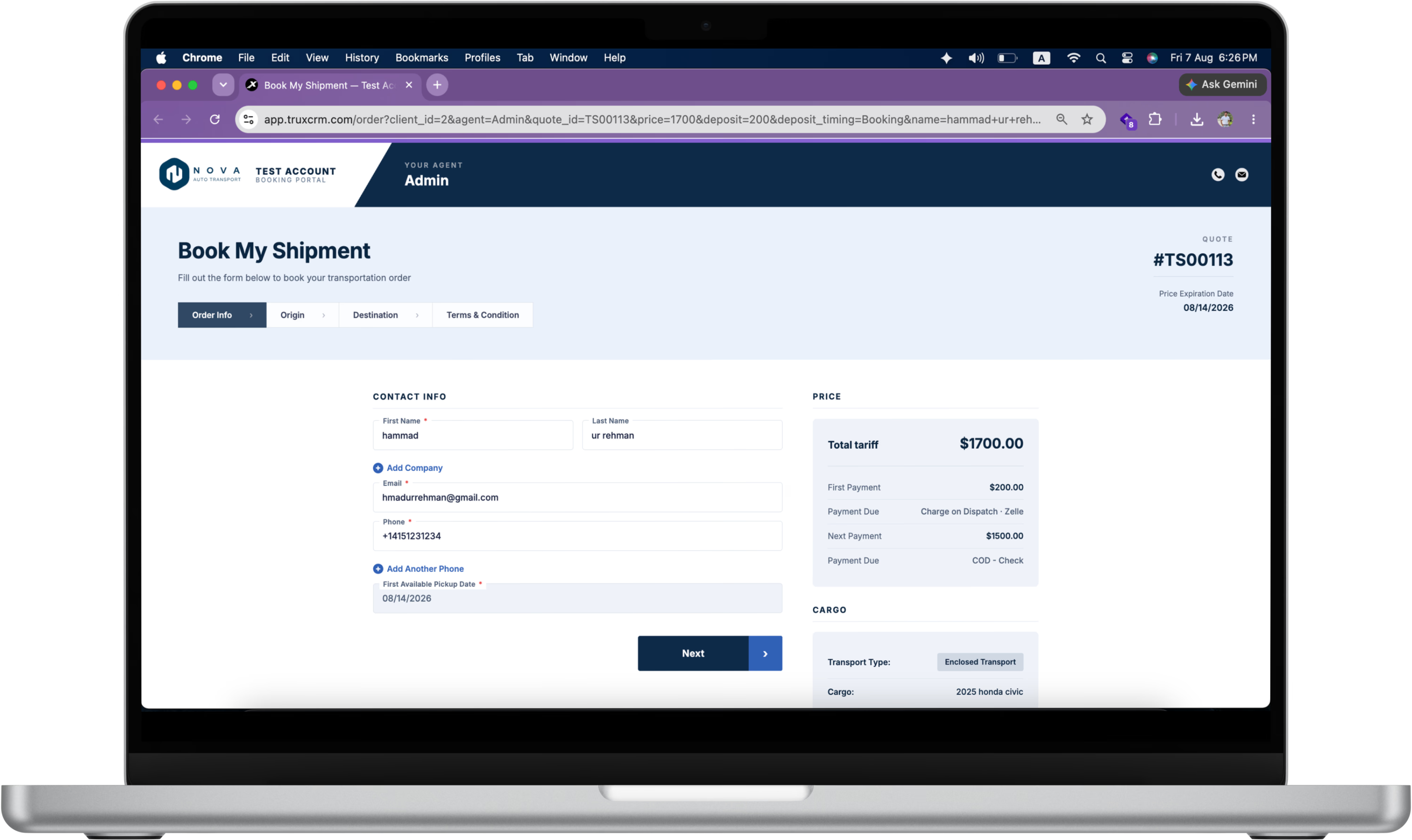
TruxCRM branded order page showing contact details, vehicles, and price breakdown for signature
Orders and e-sign

Send an Order the Customer Can Sign on a Phone
The customer reviews contact details, vehicles, route, and the full price breakdown on a mobile-first page carrying your branding, then signs. Once signed, the same data supports dispatch, delivery, and payment tracking.
Book a Demo
Mobile-first signing page with your own brand
Admin controls for notifications and CC recipients
Dispatch without signature when the job needs it
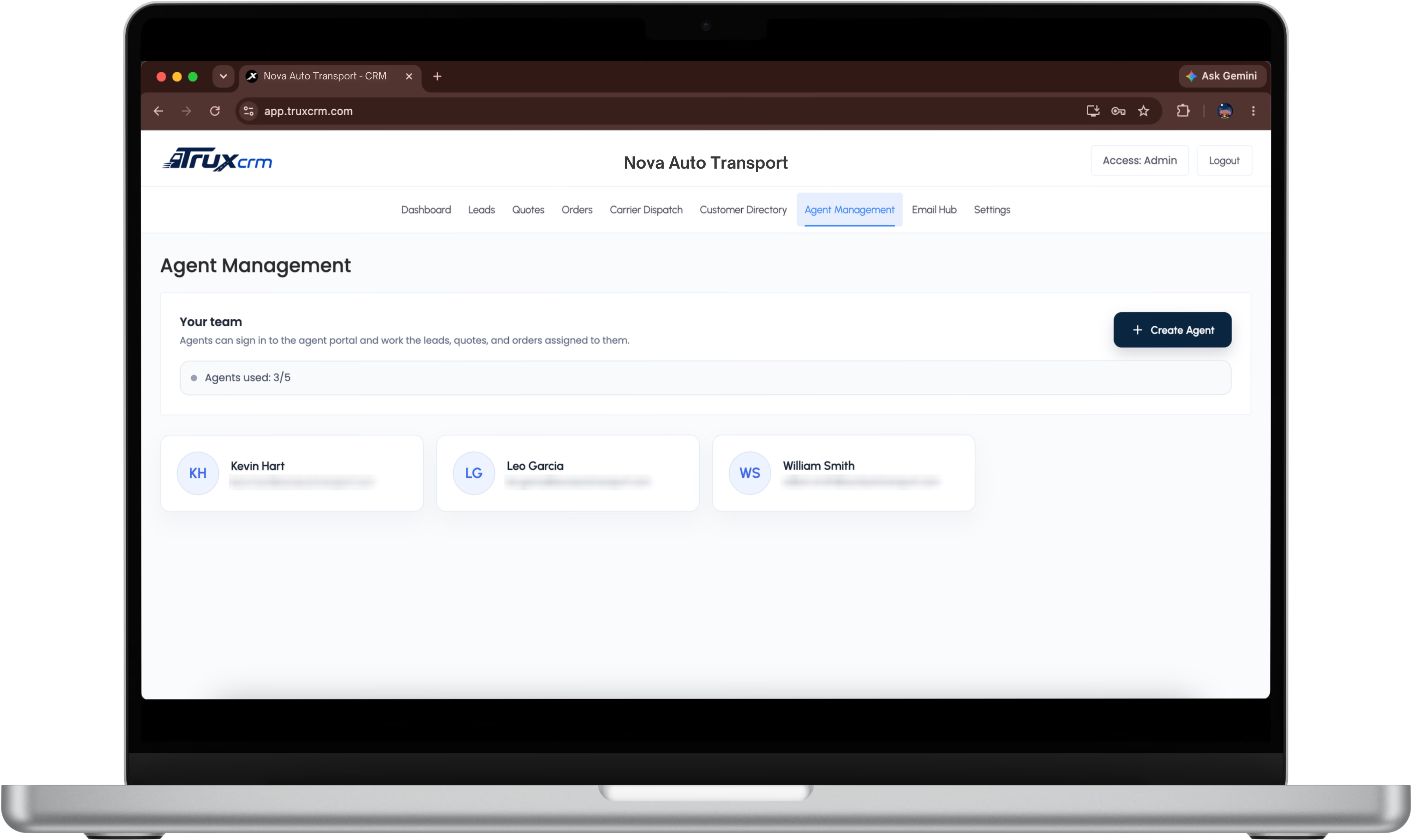
TruxCRM agent management screen showing the team and seat usage
Roles and teams

Give Every Agent Their Own Workspace

Company admin and agent access. Agents sign in to work the leads, quotes, and orders assigned to them, while owners keep company-wide visibility over the same live data.
Book a Demo
Create agents and manage seats from one screen
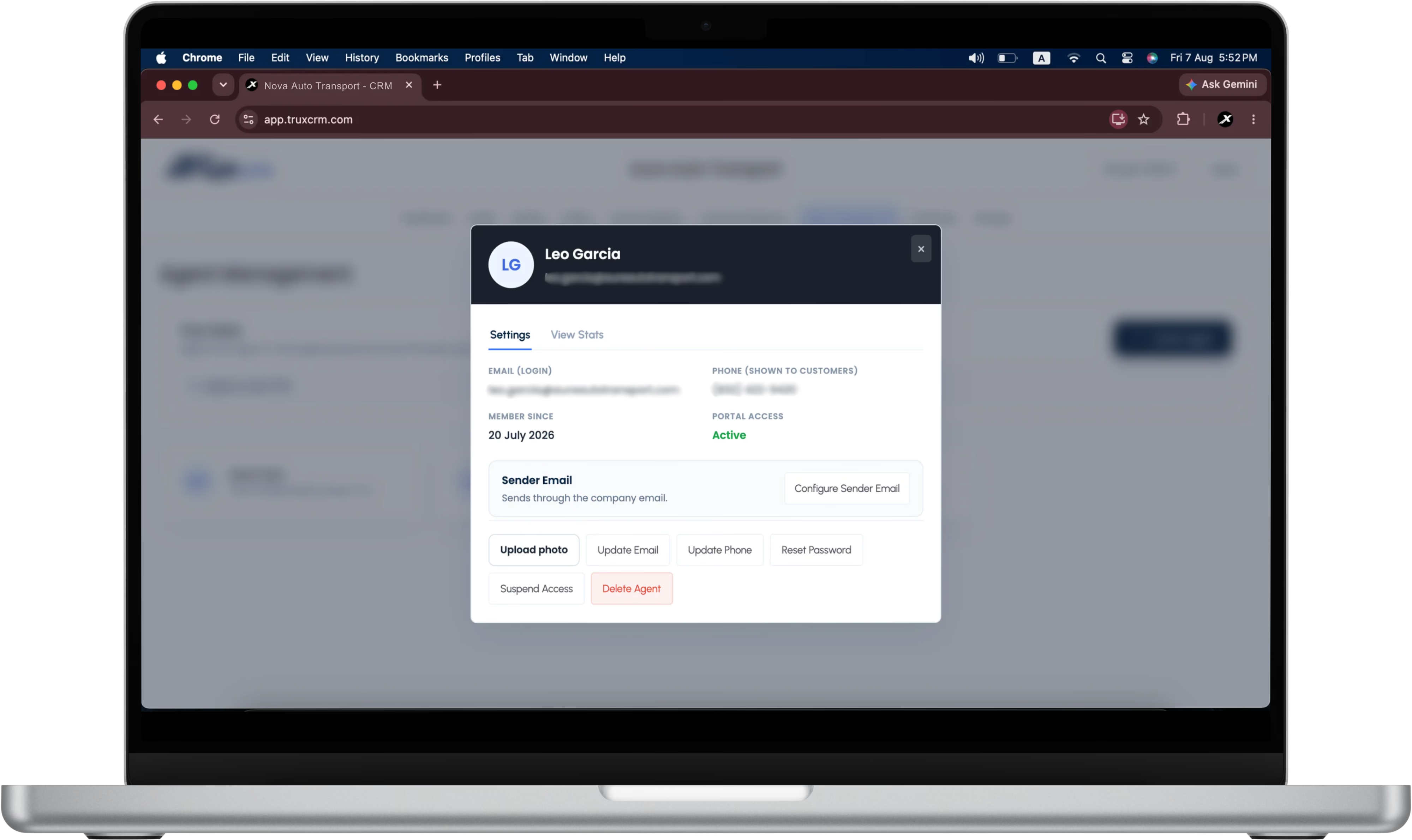
Per-agent access limits and portal status
Send from agent mailboxes or the company fallback
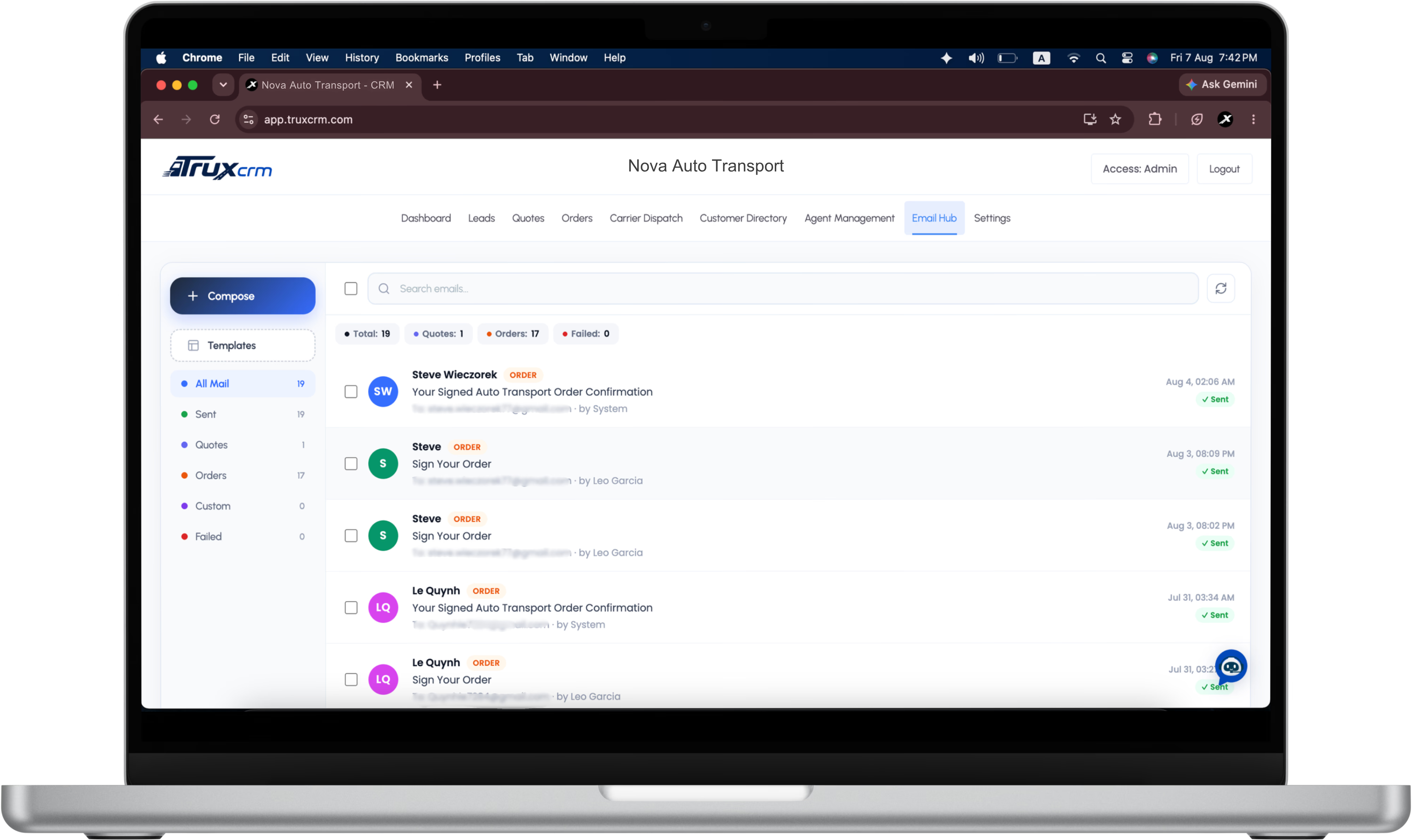
TruxCRM email hub showing folders, templates, and threaded customer messages
Email hub

Customer Mail That Stays With the Shipment
Quotes, order confirmations, and invoices send from your own company address and thread back against the order, so the conversation is not scattered across personal inboxes.
Book a Demo
Compose, templates, and folders in one place
Messages tied to the order they belong to
SPF, DKIM, and DMARC verified by a live checker
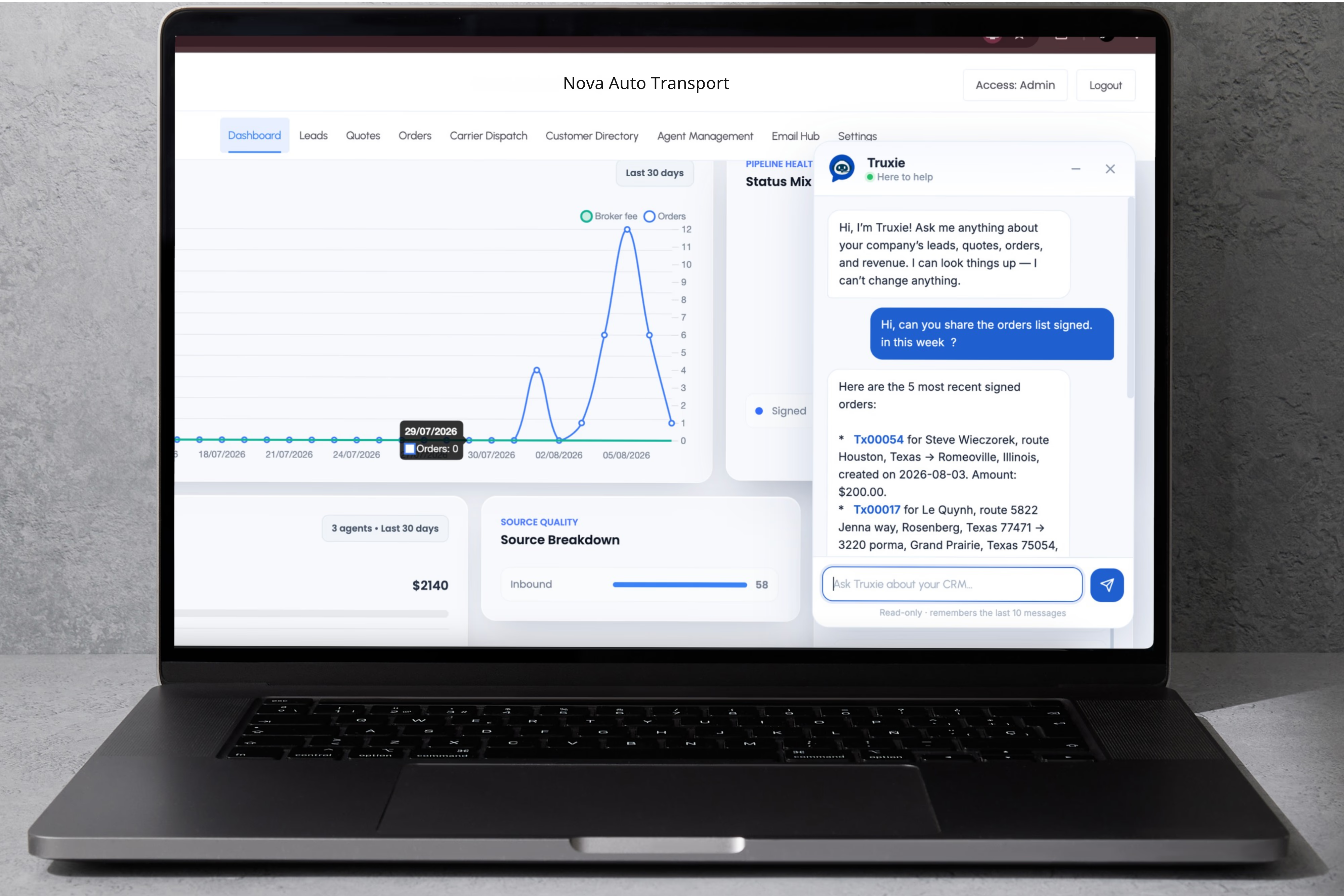
Truxie AI answering a question about recently signed orders inside TruxCRM
AI assistant

Ask Operations Questions in Plain English
Truxie looks up orders, schedules, customer records, drivers, balances, quote activity, and delivery detail. It is read-only by design, so it answers questions without ever changing a record.
Book a Demo
Find an order's status and the next action
Surface the assigned driver, balance, or carrier pay
Summarise quote and order activity for a period
Also included

The Rest of the Operation, Same Record

Book a Demo
Dispatch from current orders rather than from disconnected notes, and keep insurance, invoices, and balances against the same shipment.
Leads and customer CRM
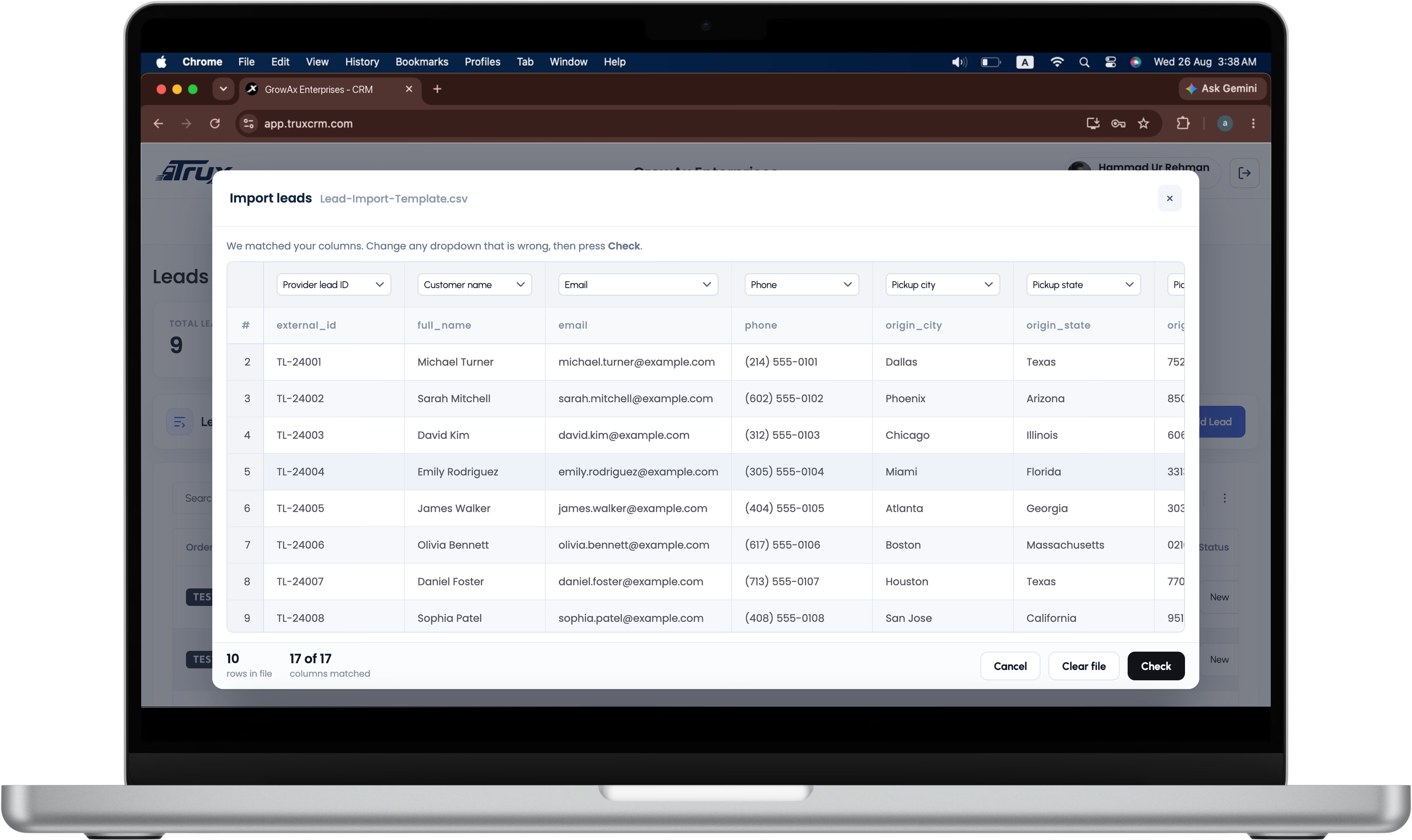
Customer, phone, email, company, address, source, assigned agent, route, and vehicle in one searchable record, with lookup before a duplicate is created.
Carrier dispatch
Assign carriers from the current order, store driver details and delivery dates, track carrier pay per vehicle, and keep interested carriers attached to the shipment.
Insurance tracking
Attach multiple carrier policies, store the documents privately, and flag expiring coverage before a carrier is assigned to a load.
Invoices and payments
Generate PDF invoices, email them, and track broker fee, carrier pay, payment received, and balance due against the same order.
Notifications and PWA
Install TruxCRM to the home screen and receive web push when an order is signed or a carrier is assigned. Desktop adds badge and chime awareness.
Security model
Company-scoped records, server-enforced access, private document storage, hashed credentials, and role-based controls throughout.
Walkthrough

Want the Walkthrough by Module?

Book a demo and we will show lead capture, quote creation, signing, carrier dispatch, invoicing, AI, and notifications in one session.
Book a Demo
TruxCRM agent detail with mailbox and access settings
Book a Demo
Questions? Email support@truxcrm.com
Loonis Logo
Explore Features